

CarlinKit CarPlay & Android Auto Adapter
CCPW / for android radio
$99.95
Langsung ke informasi produk









Had To Buy It.
$99.95
🚚 Free Worldwide Shipping📦 Tracked Delivery🔒 Secure Payments
CarlinKit CarPlay & Android Auto Adapter
Upgrade Your Android Head Unit
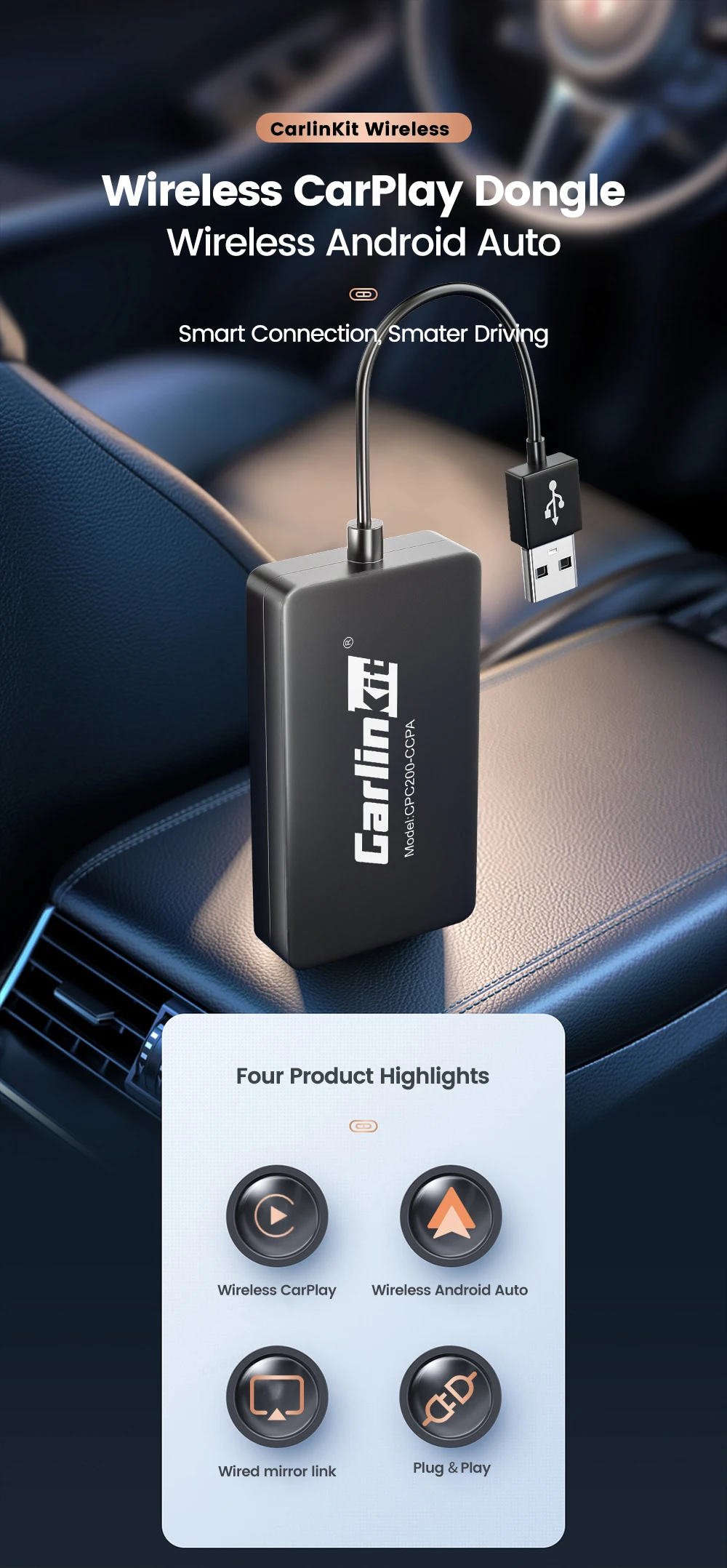
Add Apple CarPlay and Android Auto to a compatible aftermarket Android car stereo. Choose wired or wireless connectivity and access navigation, music, calls, messages and voice control directly from your car display.
Choose Your Model
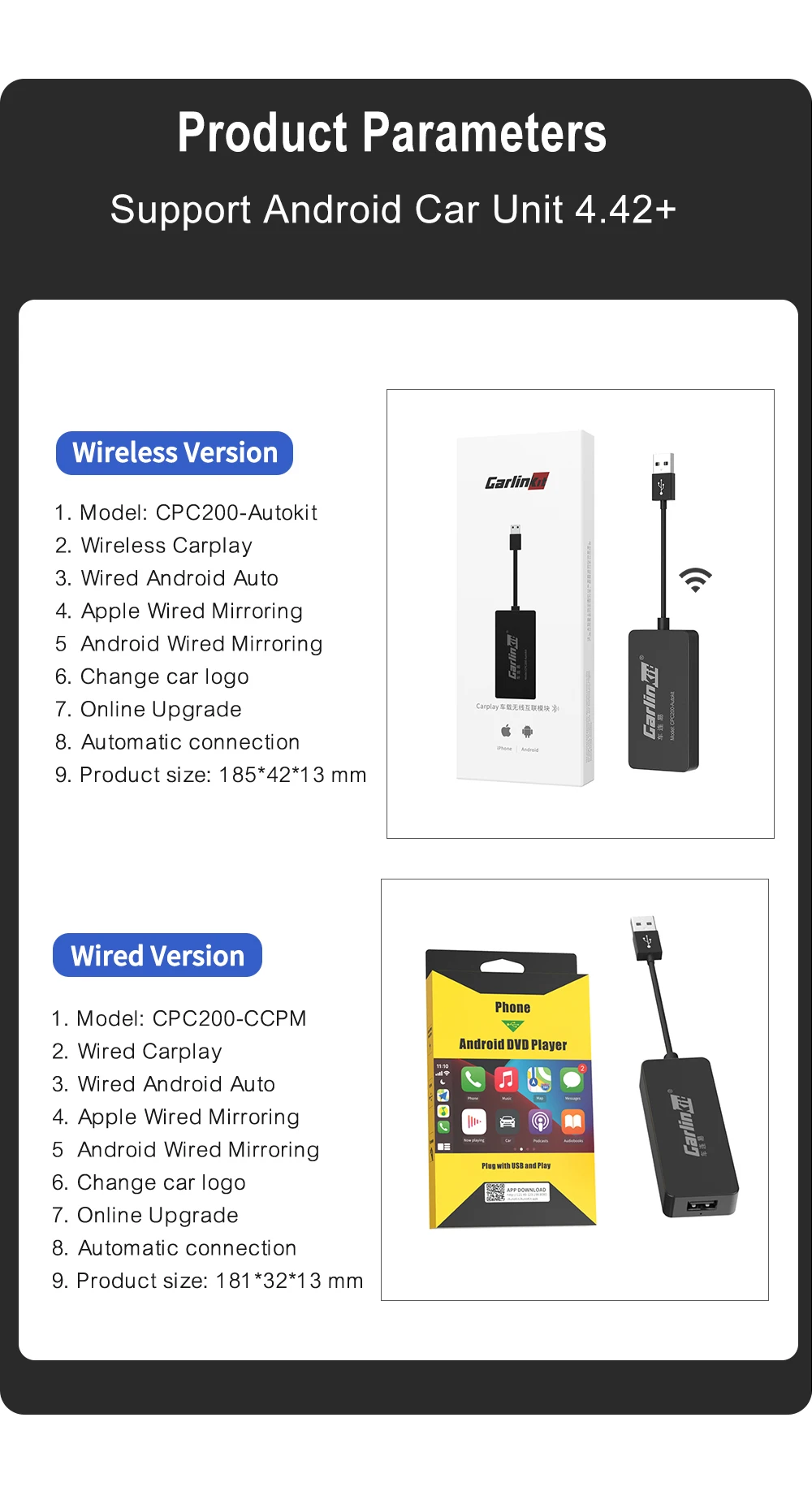
CCPA
- Wireless CarPlay
- Wireless Android Auto
- Wired CarPlay & Android Auto
- Automatic reconnection
CCPW
- Wireless CarPlay
- Wired Android Auto
CCPM
- Wired CarPlay
- Wired Android Auto
Why You'll Love It
- Plug & play USB connection
- Google Maps, Waze, Spotify and more
- Siri & voice control
- 5GHz Wi-Fi on wireless models
- Wired screen mirroring
- AutoKit software with online updates
Important Compatibility
Designed for aftermarket Android head units running Android 4.4+ that support installation of the AutoKit APK.
iPhone: iOS 10+
Android: Requirements vary; wireless Android Auto generally requires Android 11+.
Check that your head unit supports AutoKit before ordering.
Key Details
Brand: CarlinKit
Models: CCPA / CCPW / CCPM
Connection: USB
Software: AutoKit APK
Shipping
FREE Worldwide Shipping with tracked delivery.
Please allow approximately 7–15 business days for processing and delivery.
Upgrade Your Drive. Lose the Clutter.
🛒 Had To Buy It!
How to install Autokit APK?
Professional APK download link: https://www.carlinkit.com/autokit.html
1. Format USB flash drive to FAT32 firstly.
2. Put APK file to the USB flash drive(Blank).
3. Insert the USB flash drive into the USB port of car, find the file management menu, select the APK file to install it.
4. The navigation interface comes out with an "Autokit" icon
Must Know The Difference Among Them:
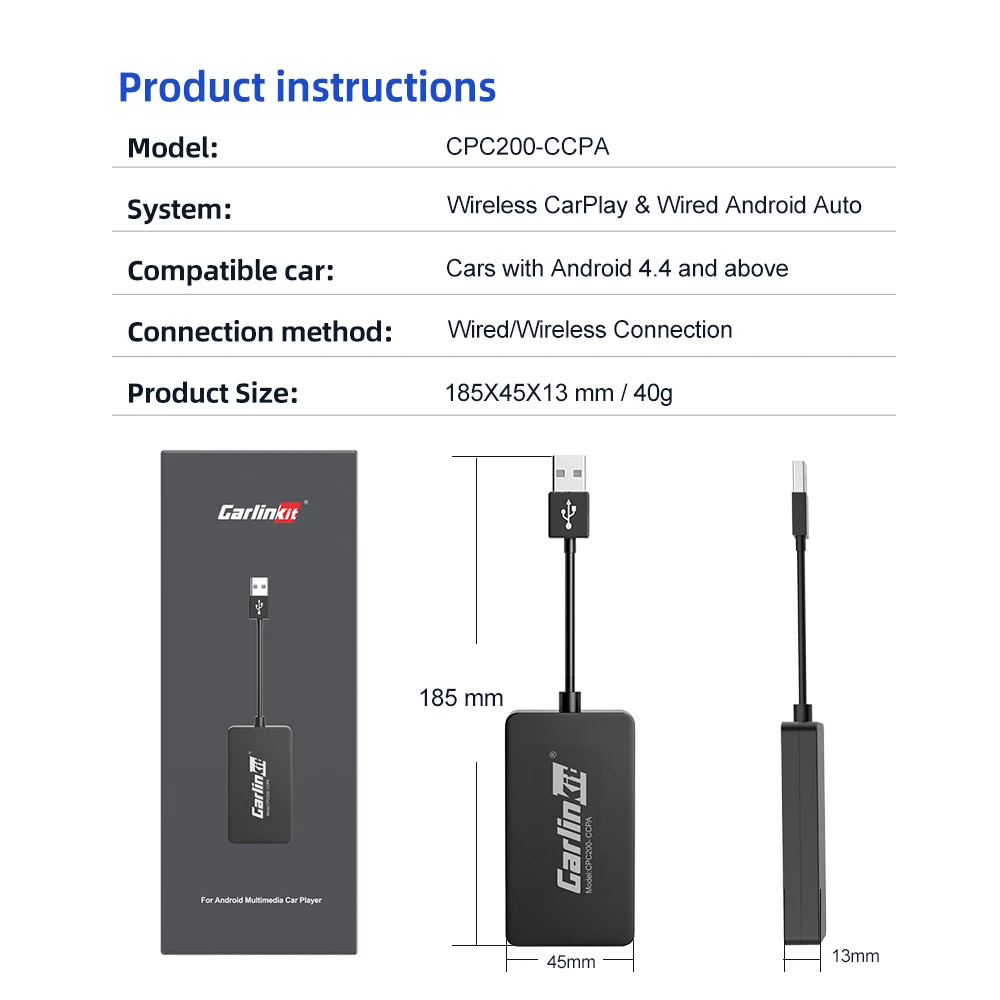
CCPA is the newest model which support wireless CarPlay and wireless android auto both;
CCPW only support wireless CarPlay, wired Android Auto;
CCPM is a wired dongle for both CarPlay and Android Auto, no wireless.
They all support wired connection with your mobile phone
Product feature
❤Compatible devices
This carplay head units dongle is supports iPhone with IOS 9 and above, Android mobile phones and Android head unit version 4.4 and above. connect the phone to our carplay system to access message, listen music, to use navigation and play with U disk playback.
❤Main function
Support Voice Control, Siri, GPS Navigation App(real-time navigation), Online Music App, Phone Call, Screen Mirroring. Support voice commands to make phone calls, use Maps(Support Google Map, Waze and Mirrorlink), listen to your favorite songs using iTunes, Music, or installed app and access to messages.
❤Support online update system
Carplay Box supports online updates.It can Plug & Play with both iOS and Android phone. This USB dongle also can support CarPlay, Wired Android Auto, Wired mirroring.
❤365 Days Quality Warranty
We do strict quality control, we will check and use it before delivery to ensure every products can be used.and before send out ,we all will send message to customer to confirm it .so please check message in time .If you can't install or other problems,please contact us, we will provide professional assistance.
❤Support phone ,it support iphone and android phone
iphone can use Wired&wireless Carplay ,but Android phone only can use Android auto
Keep Going On Wireless CarPlay
With the new model CCPA usb wireless dongle, you can connect your Apple phone ios 10+ to your aftermarket android car via wifi automatically, the connection speed is fast, brings you an excellent experience to enjoy streaming music, waze, google map, video call, Siri voice assistant, original car sound quality, turn on two applications at the same time etc.
New Upgrade on Wireless Android Auto
In the past you can only use cable to connect your android phone, but now if your android phone meets the condition to use android auto, the wireless dongle will help you to get the wireless connection method, which is the same as wireless CarPlay. For the second time you get close to your car, the wifi connection will happen automatically.
Wired Mirror Screen
If you want to watch video on youtube or netflix on your car radio, you can open the APK setting, find mirror mode, connect your cell phone to the dongle, just in few seconds, a powerful screen projection function will be there, which can display your mobile phone screen synchronously, but in order to driving safely on your trip, it's not recommended to watch video while driving. Just enjoy it in your spare time.
Better Performance in Hardware
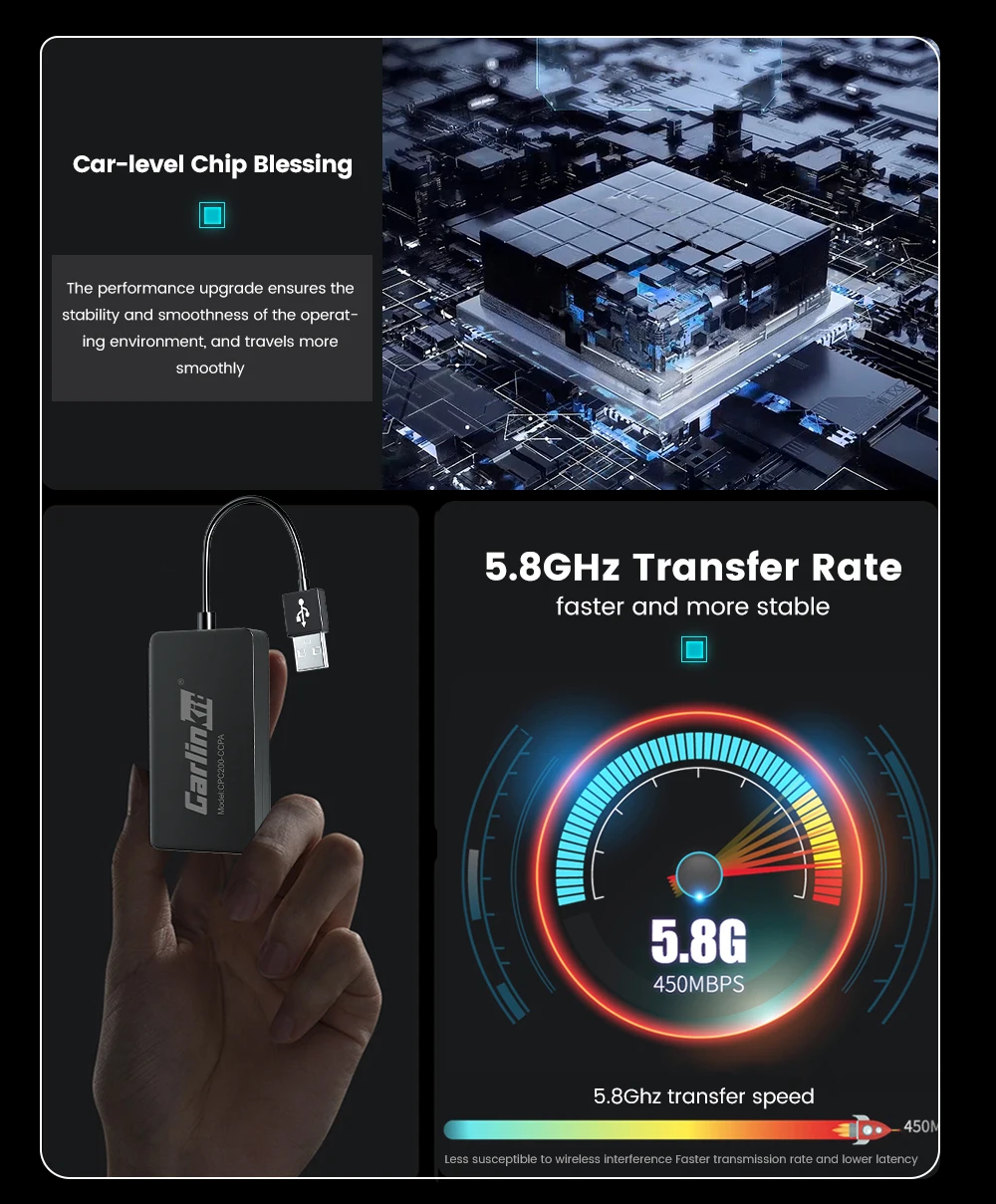
The upgraded performance ensure the stability and smoothness of the operation environment, and the travels more smoothly. Besides, the 5.8GHz transfer rate at 450mbps is faster and more stable, less susceptible to wireless interference faster transmission and lower latency. It benefit
Use Condition Must Known Here
For android phone: with a valid data plan, 5 GHz Wi-Fi support, the latest version of the Android Auto app.
Work with any smart phone with Android 11.0, google or Samsung phone with Android 10.0, Samsung Galaxy S8, Galaxy S8+ or Note 8 with Android 9.0
For i Phine: for i Phone with iOS 10+
Say Goodbye to Data Cable Now
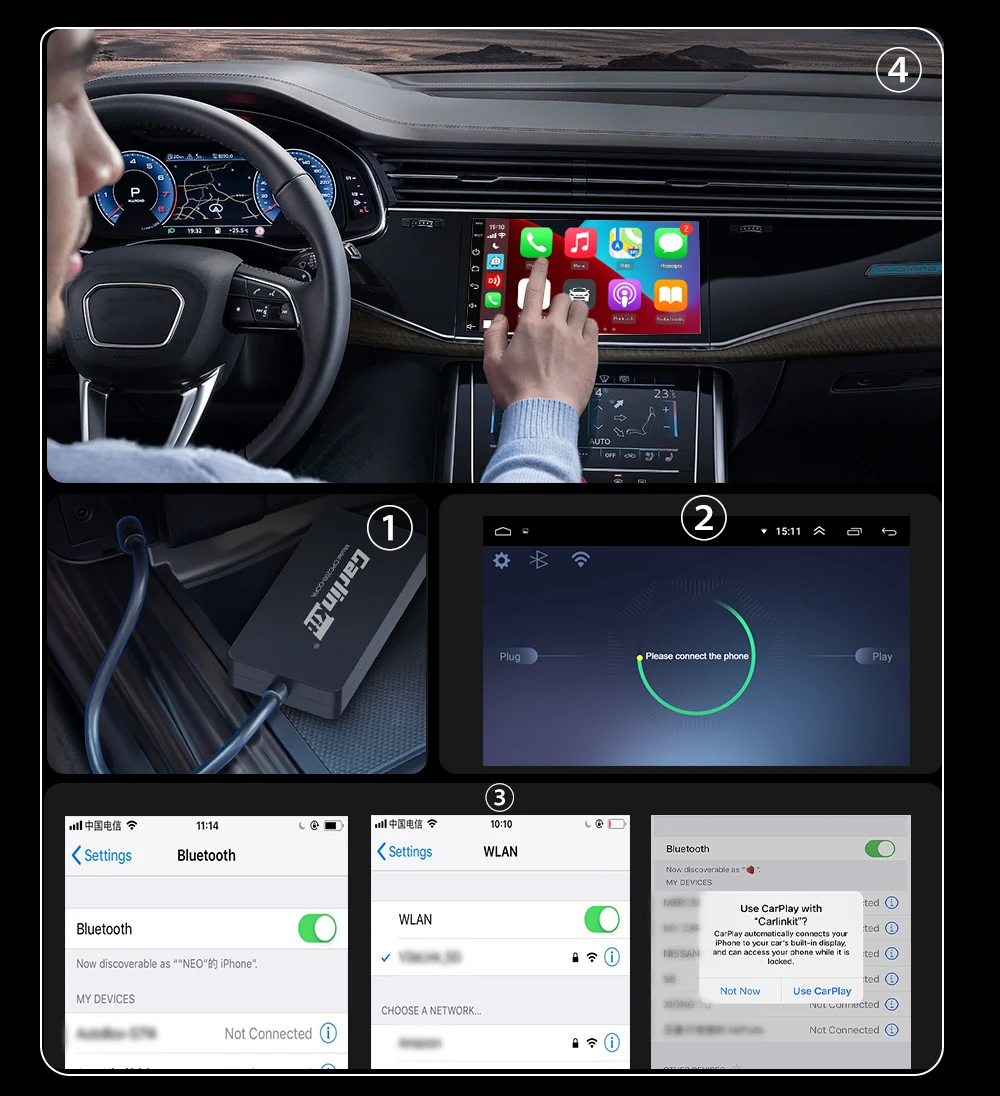
You need pair the device to your cell phone for the first time, then no need to repeat the connection procedure any more, your phone will be connected via wifi to the device automatically without sense, even before you get into the car, enjoy the smart car life within one second.
Easy Connection Method
Step 1:Plug into USB port of the car Step 2: Turn on WIFI and bluetooth on cell phone
Step 3: Pair the dongle with car via bluetooth Step 4: Waiting for seconds to enter CarPlay or android auto