

CarlinKit 5.0 C2Air Wireless CarPlay & Android Auto Adapter
CarlinKit 5.0 C2Air / CarlinKit Genuine
$51.95
Langsung ke informasi produk



Had To Buy It.
$51.95
🚚 Free Worldwide Shipping📦 Tracked Delivery🔒 Secure Payments
CarlinKit 5.0 C2Air Wireless CarPlay & Android Auto Adapter
Cut the Cable. Go Wireless.
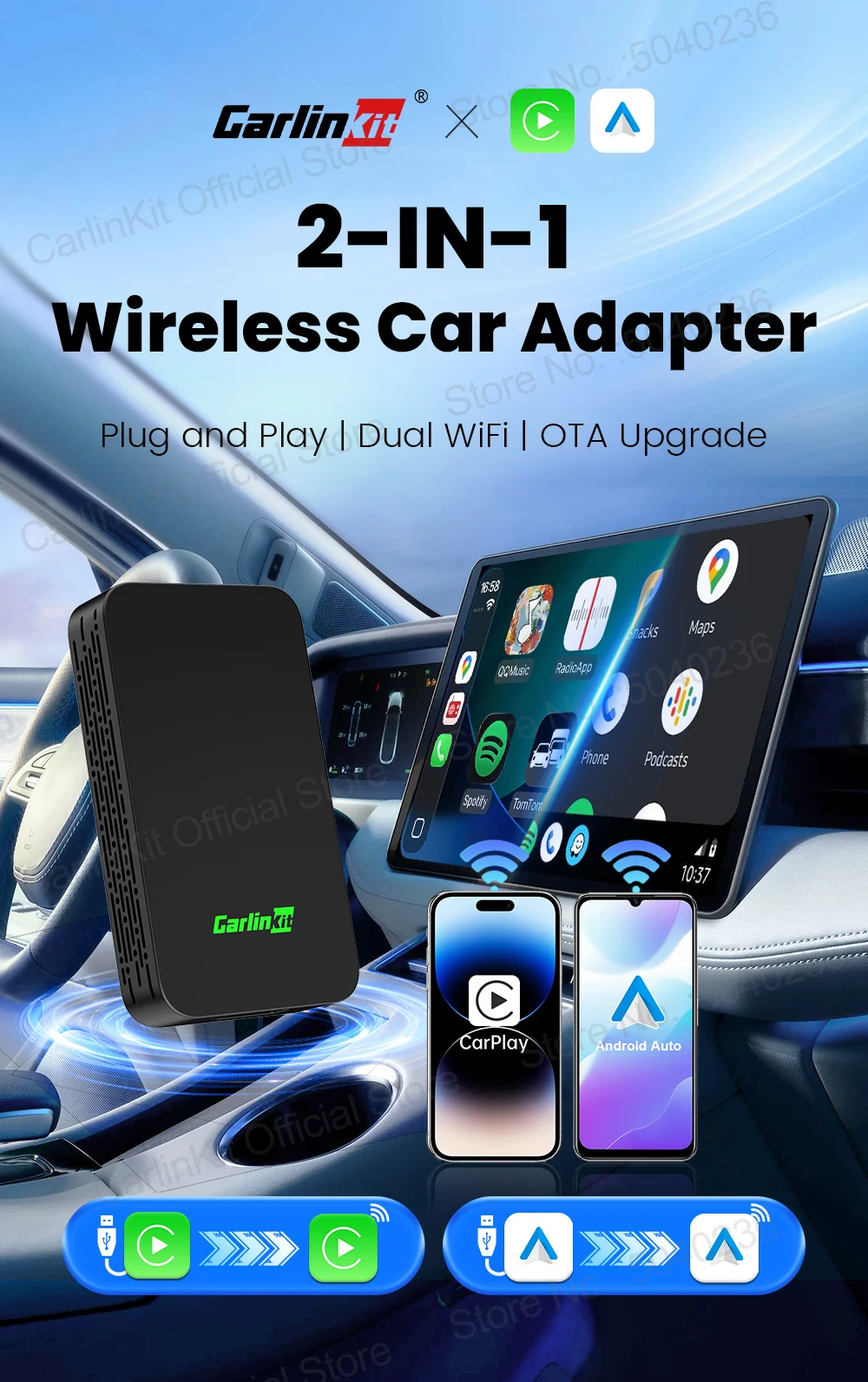
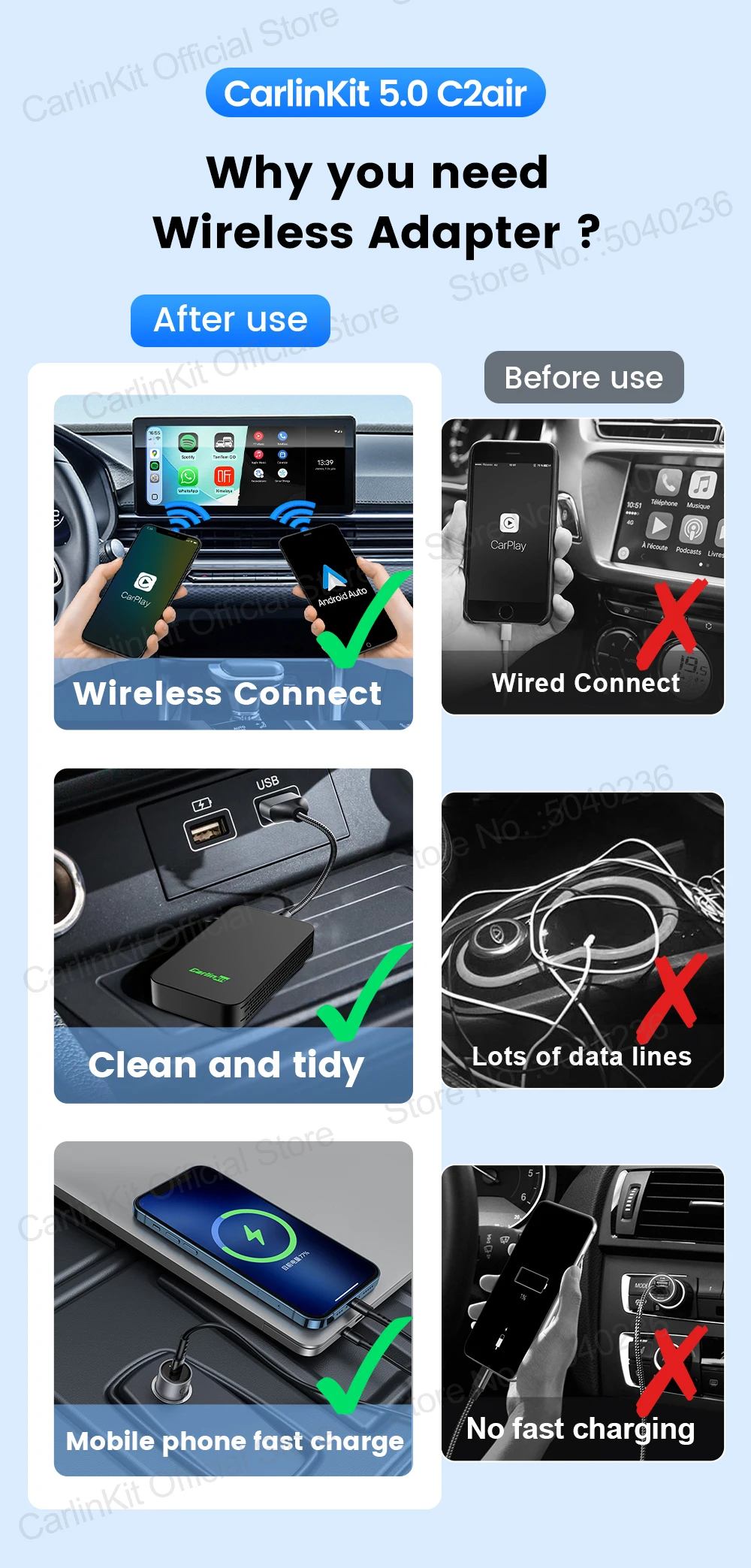
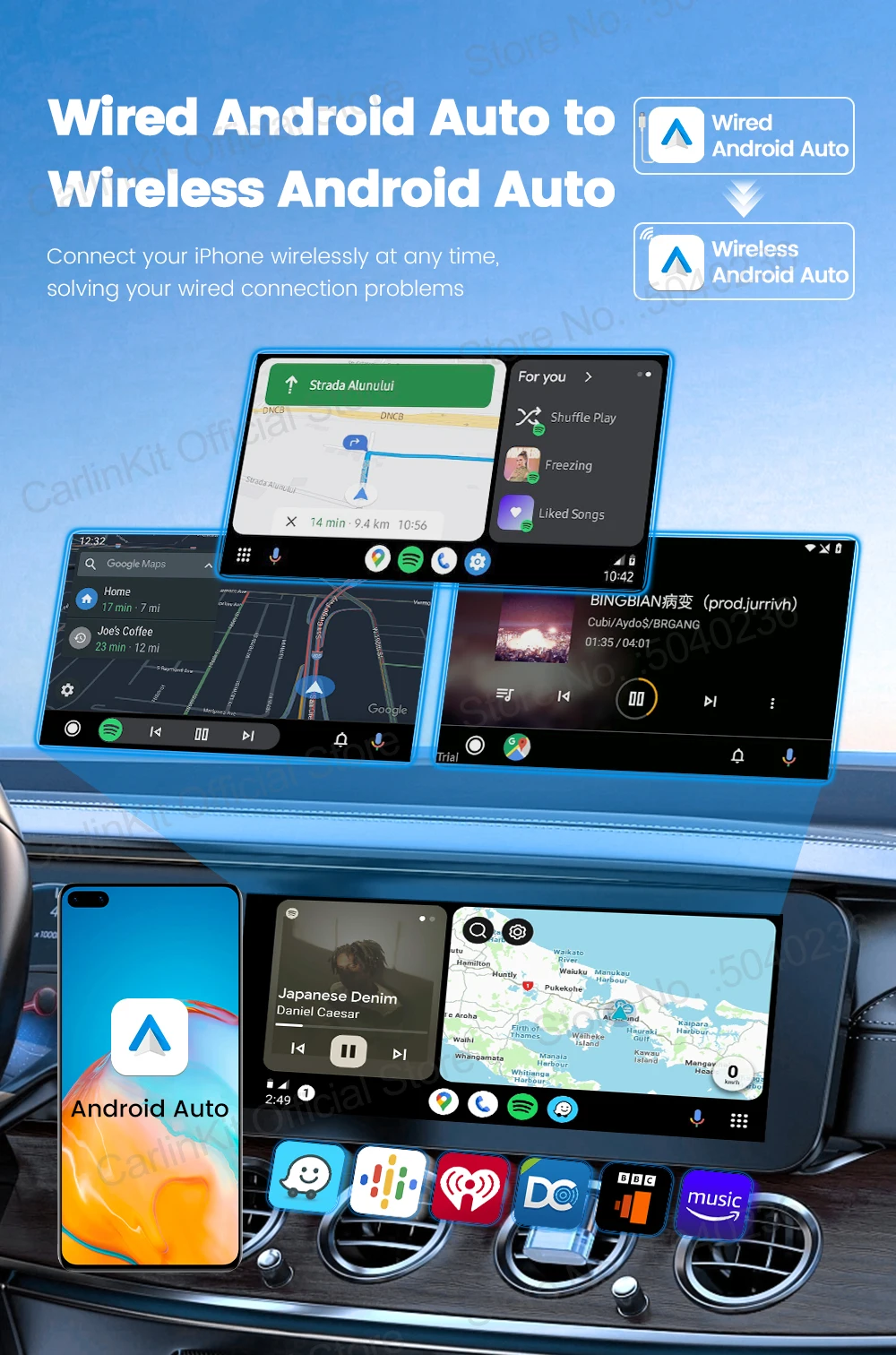
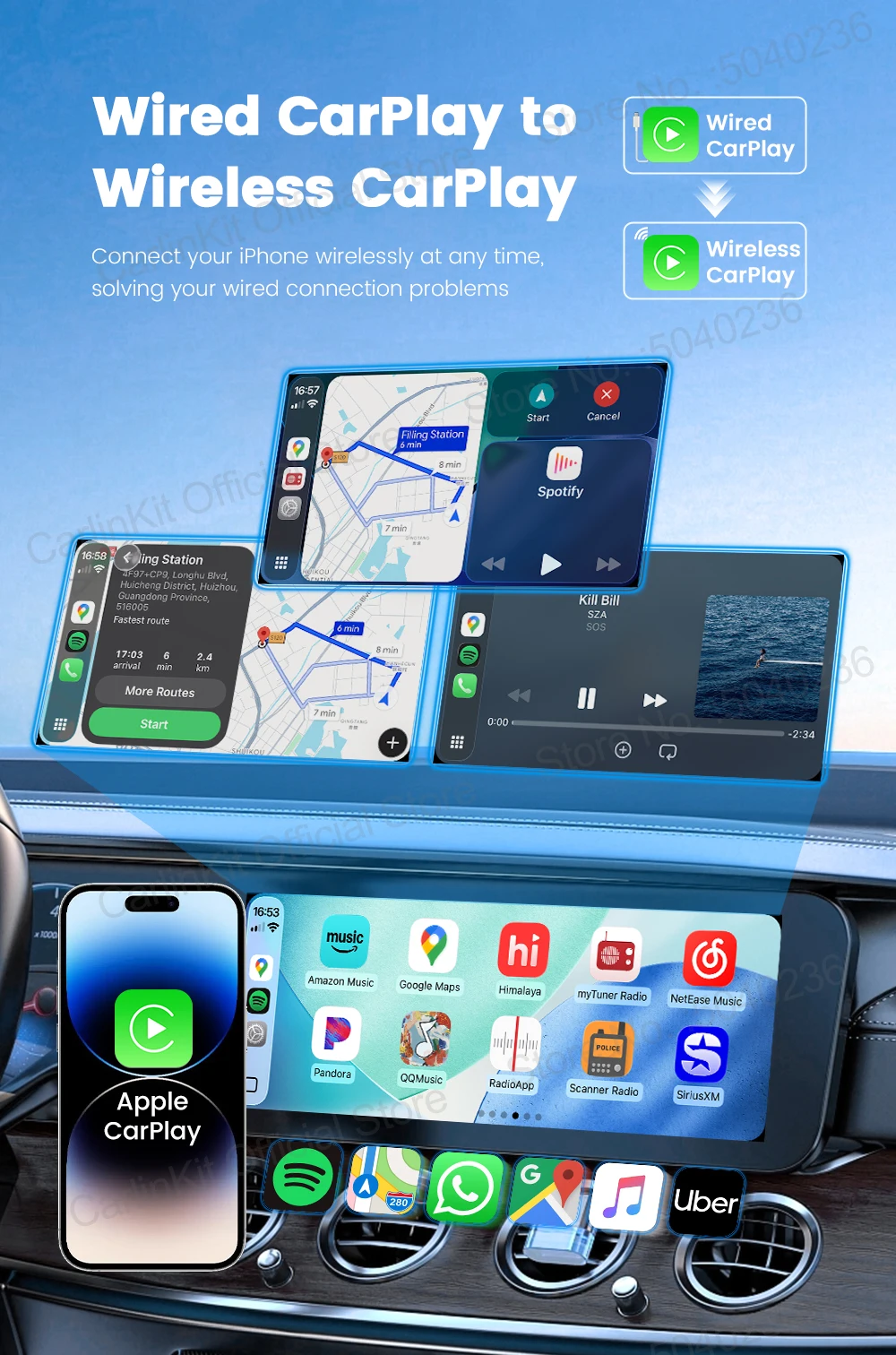
Turn your factory wired CarPlay or Android Auto wireless with the CarlinKit 5.0 C2Air. Plug it in, pair your phone and enjoy navigation, music, calls and voice control through your existing car display.
Why You'll Love It
- Wireless CarPlay & Android Auto
- Automatic reconnection when you start the car
- Fast 5.8GHz Wi-Fi for a stable connection
- Retains compatible touchscreen, steering-wheel and voice controls
- Split-screen support
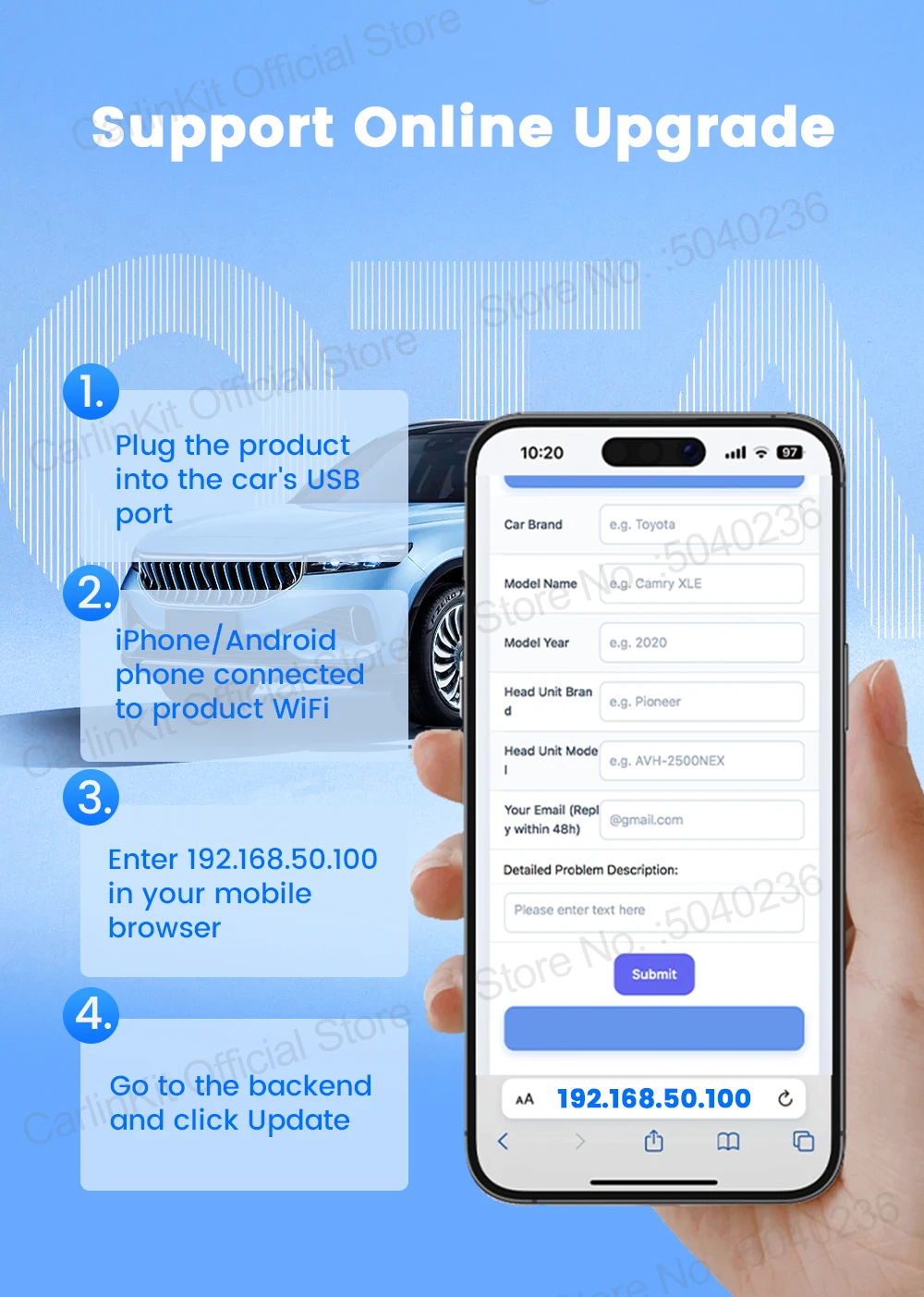
- OTA firmware updates
- Compact plug & play design
Compatibility
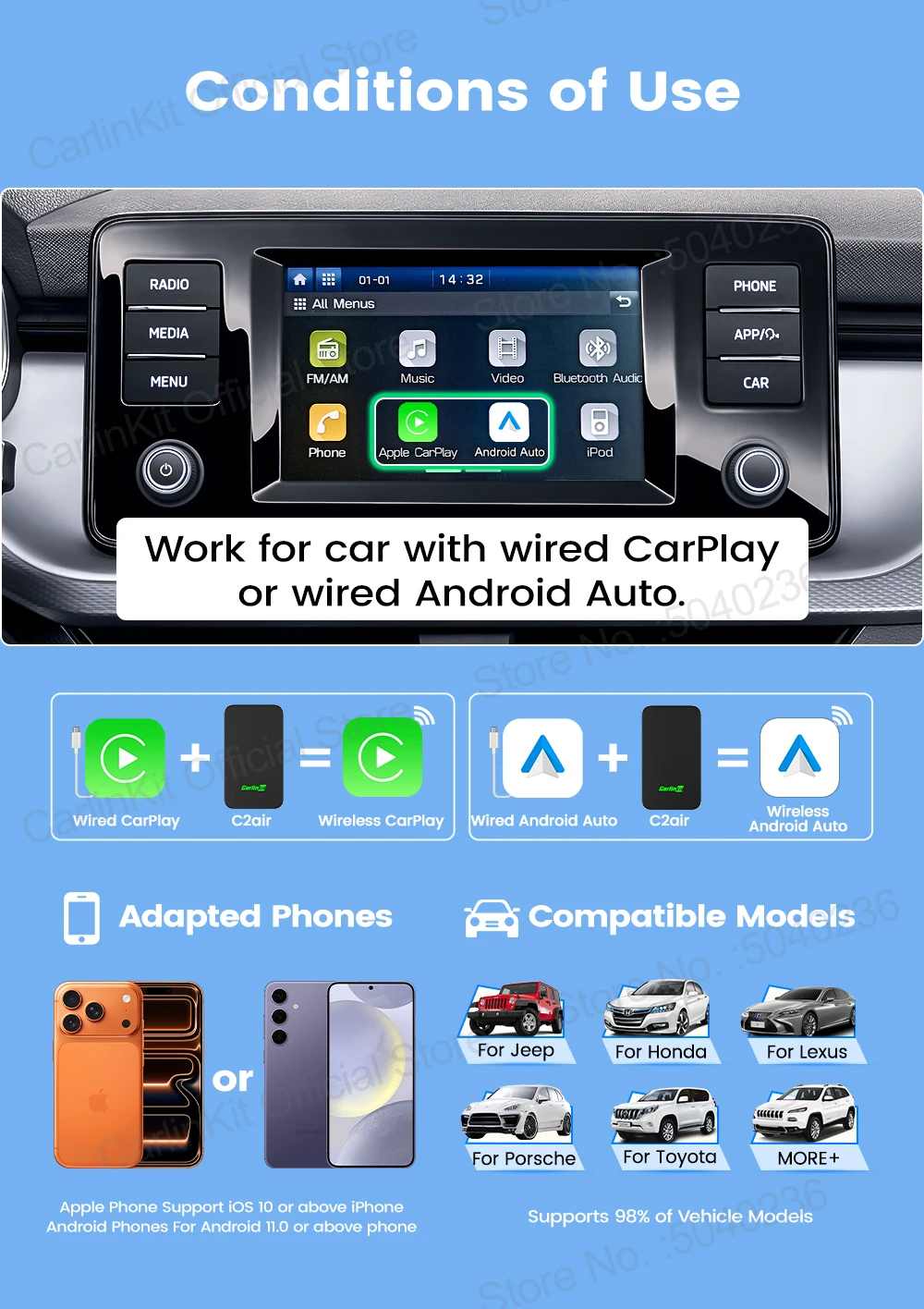
Your vehicle must already have factory wired CarPlay OR wired Android Auto.
iPhone: iPhone 6+, iOS 10+
Android: Android 11+
This adapter does not add CarPlay or Android Auto to vehicles that don't already have the wired system.
Key Details
Brand: CarlinKit
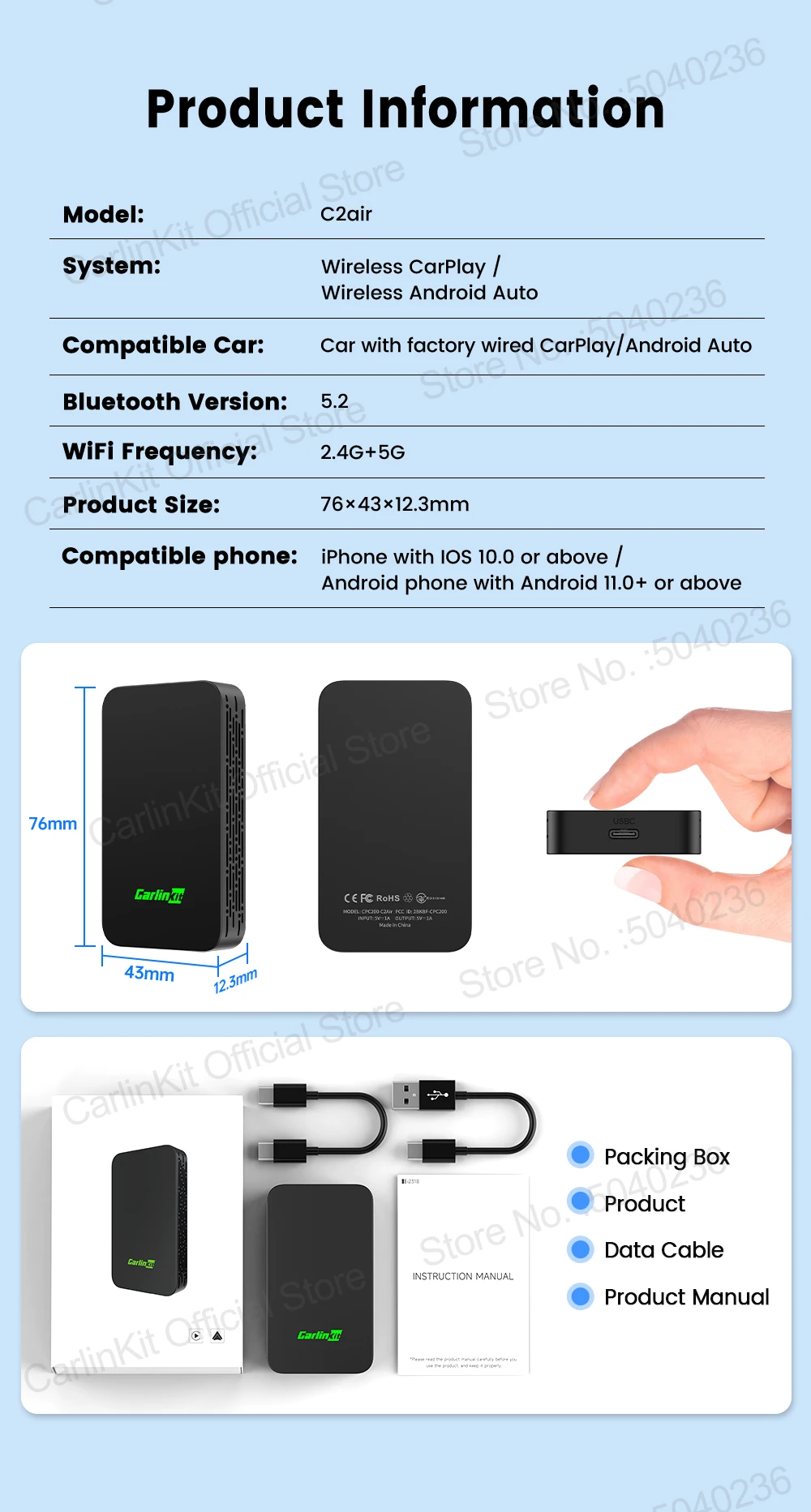
Model: CPC200-C2Air / 2Air-T
Connection: USB-A / USB-C
Wireless: 2.4GHz / 5.8GHz Wi-Fi
Size: 76 × 43 × 12.3mm
2Air-T and CPC200-C2Air are the same product.
Shipping
FREE Worldwide Shipping with tracked delivery.
Please allow approximately 7–15 business days for processing and delivery.
Keep Your Factory System. Lose the Cable.
🛒 Had To Buy It!
Supported Mobile Phones & Vehicles
Supported car models: Car with original wired CarPlay or wired Android Auto function
iPhone: iPhone 6 and above, iOS 10 and above version
Android phones: support Android 11.0 and above version
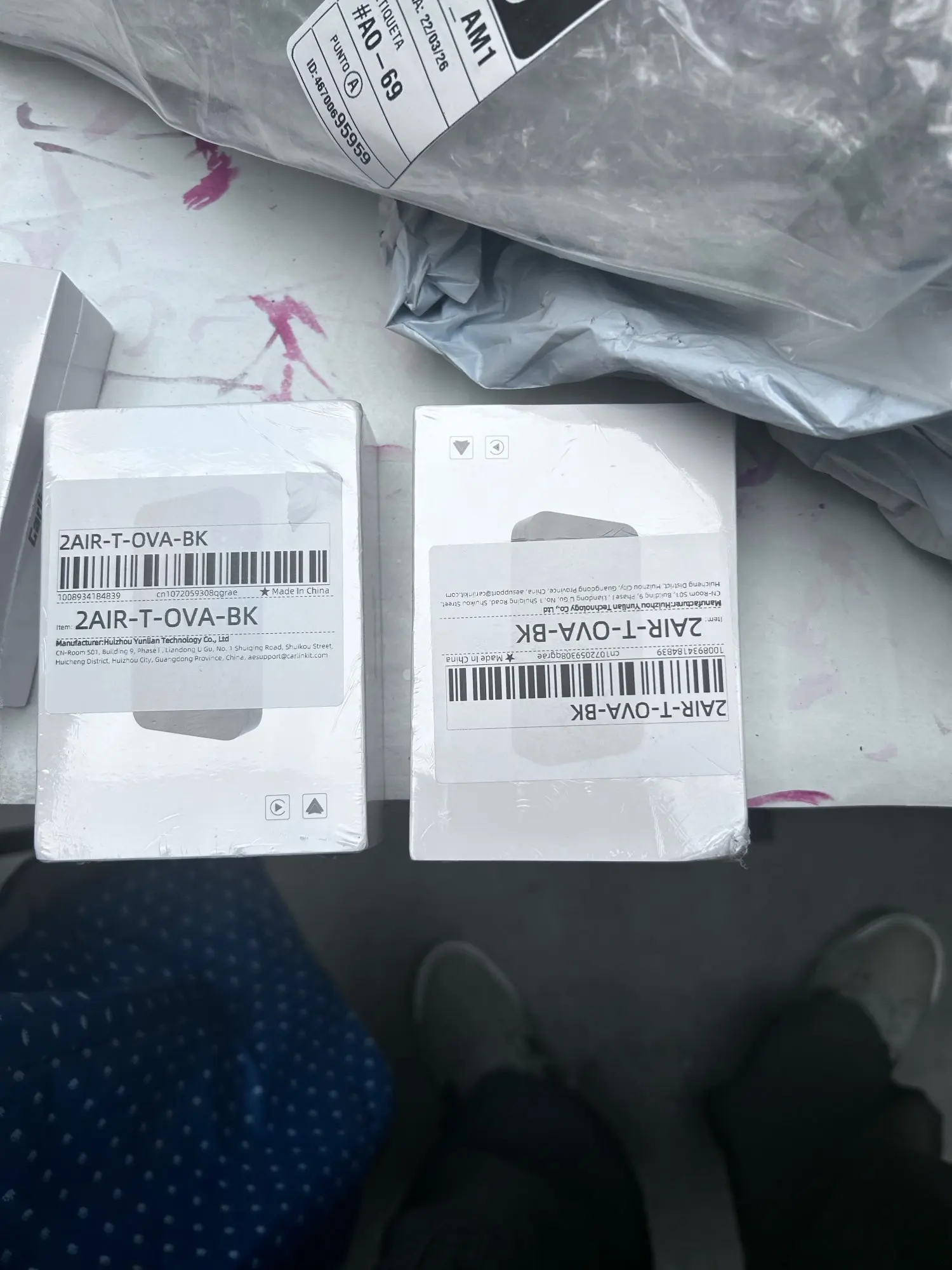
*Warm Reminder:The label will show 2Air-T, but the packaging will show CPC200-C2air. 2Air-T and C2Air are the same product. Please note this.
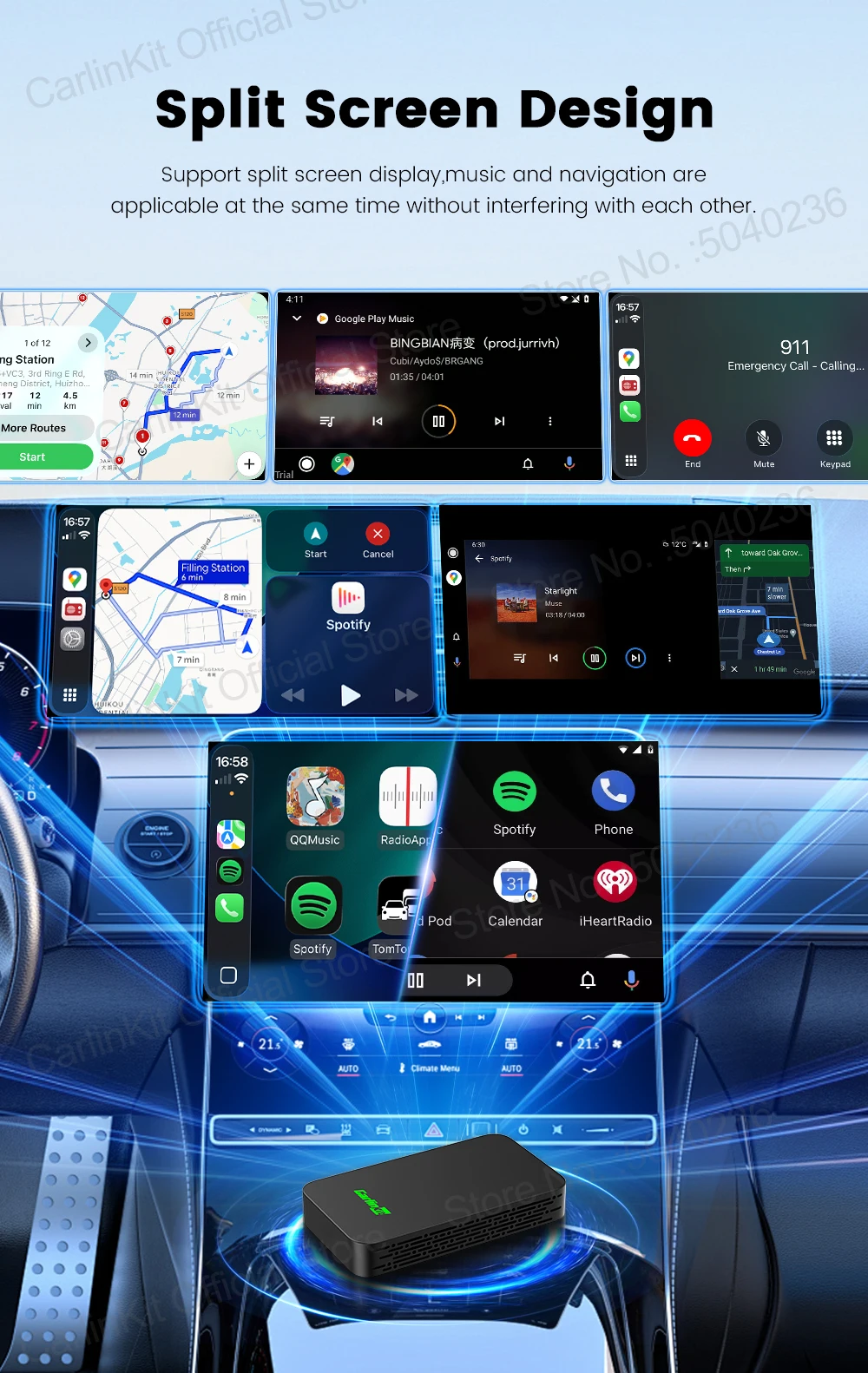
Split Screen design
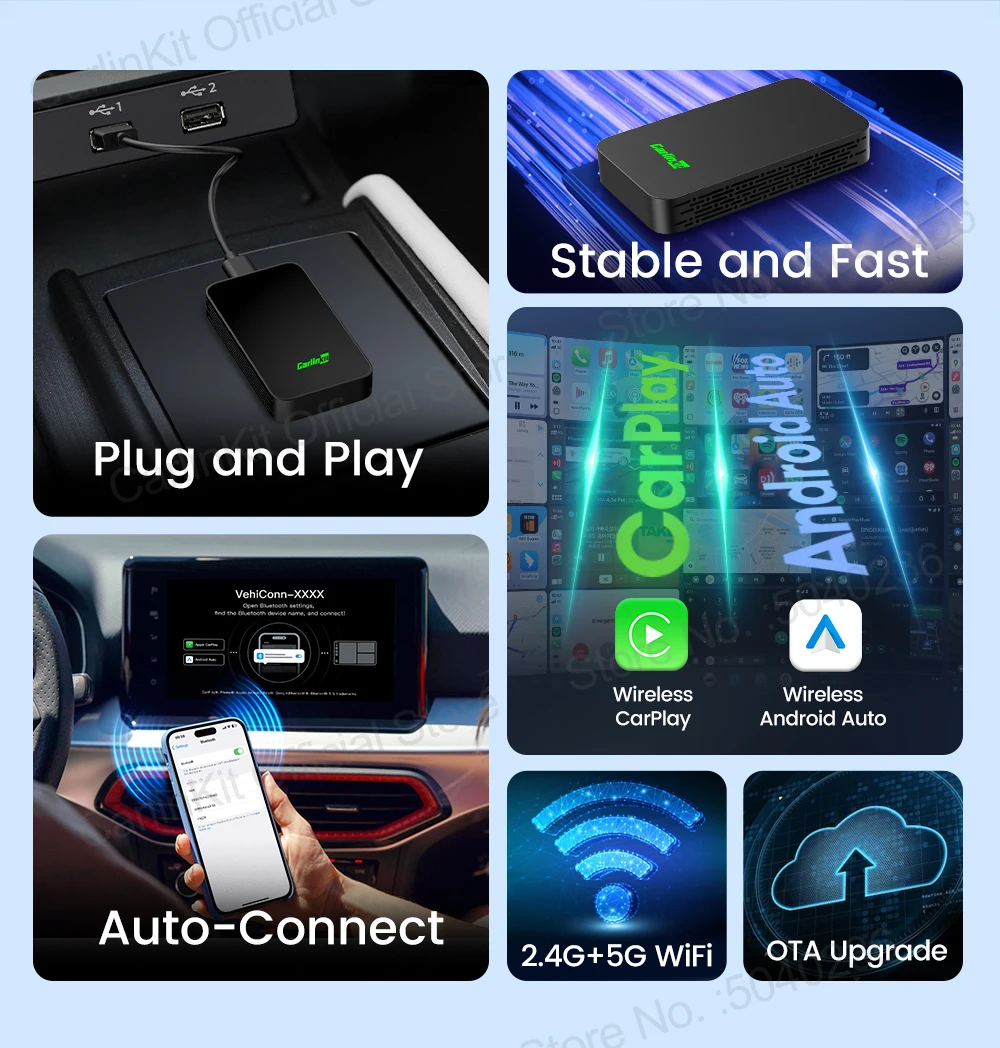
Support split screen display,music and navigation are applicable at the same time without interfering with each other.
Plug and Play ,Easy to Use
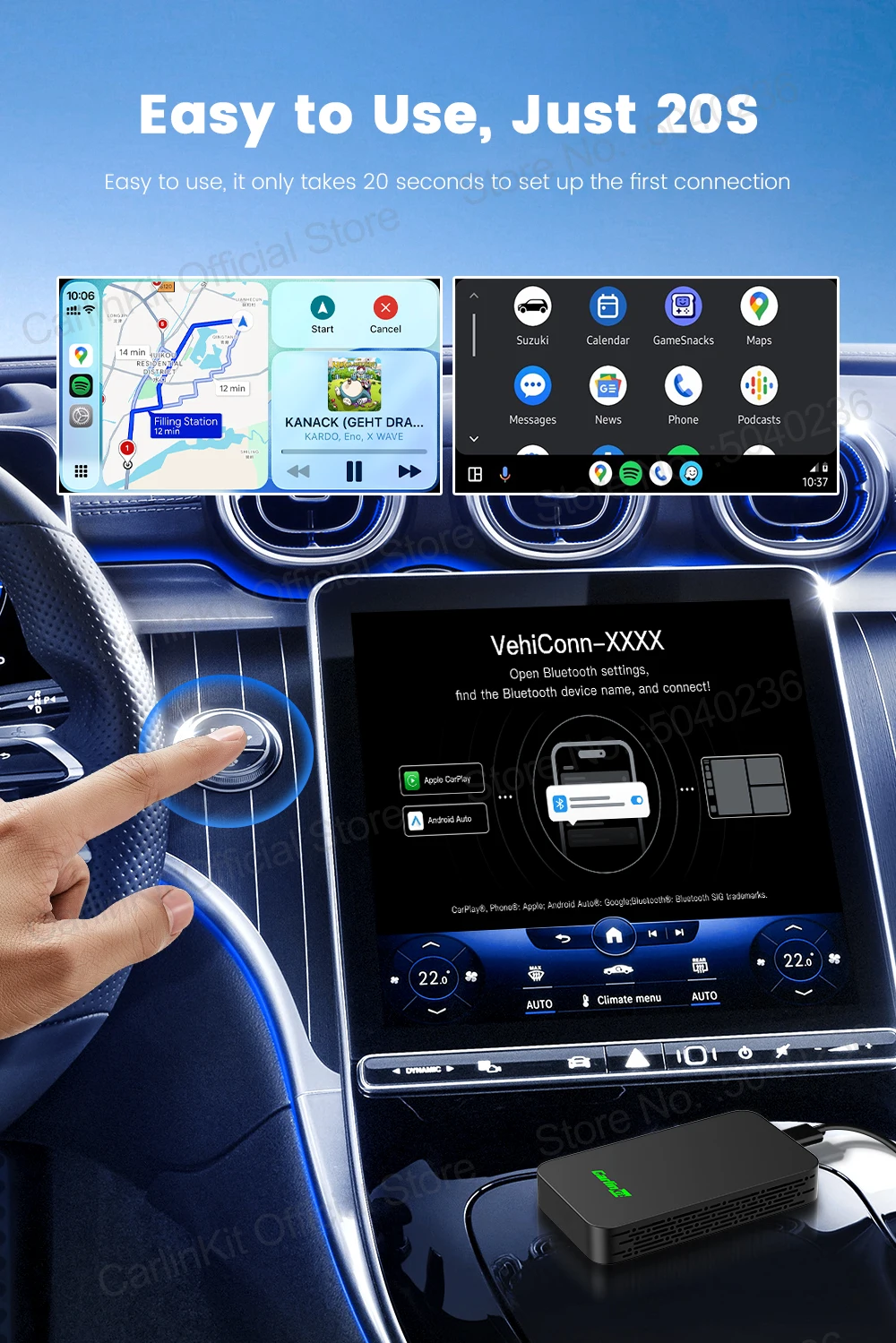
Easy to use, it only takes 20 seconds to set up the first connection
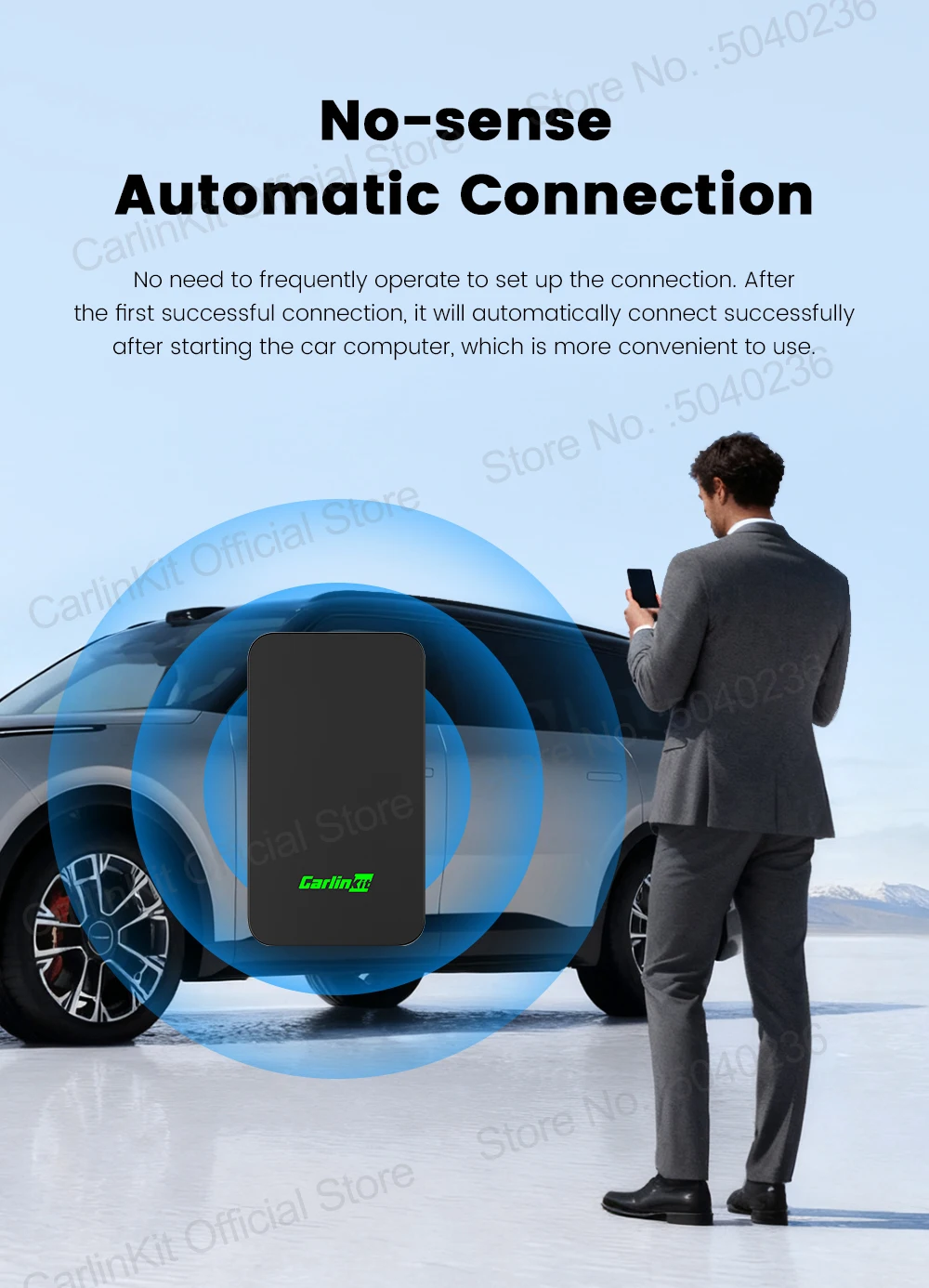
Non-inductive automatic connection
No need to frequently operate to set up the connection. After the first successful connection, it will automatically connect successfully after starting the car computer, which is more convenient to use.
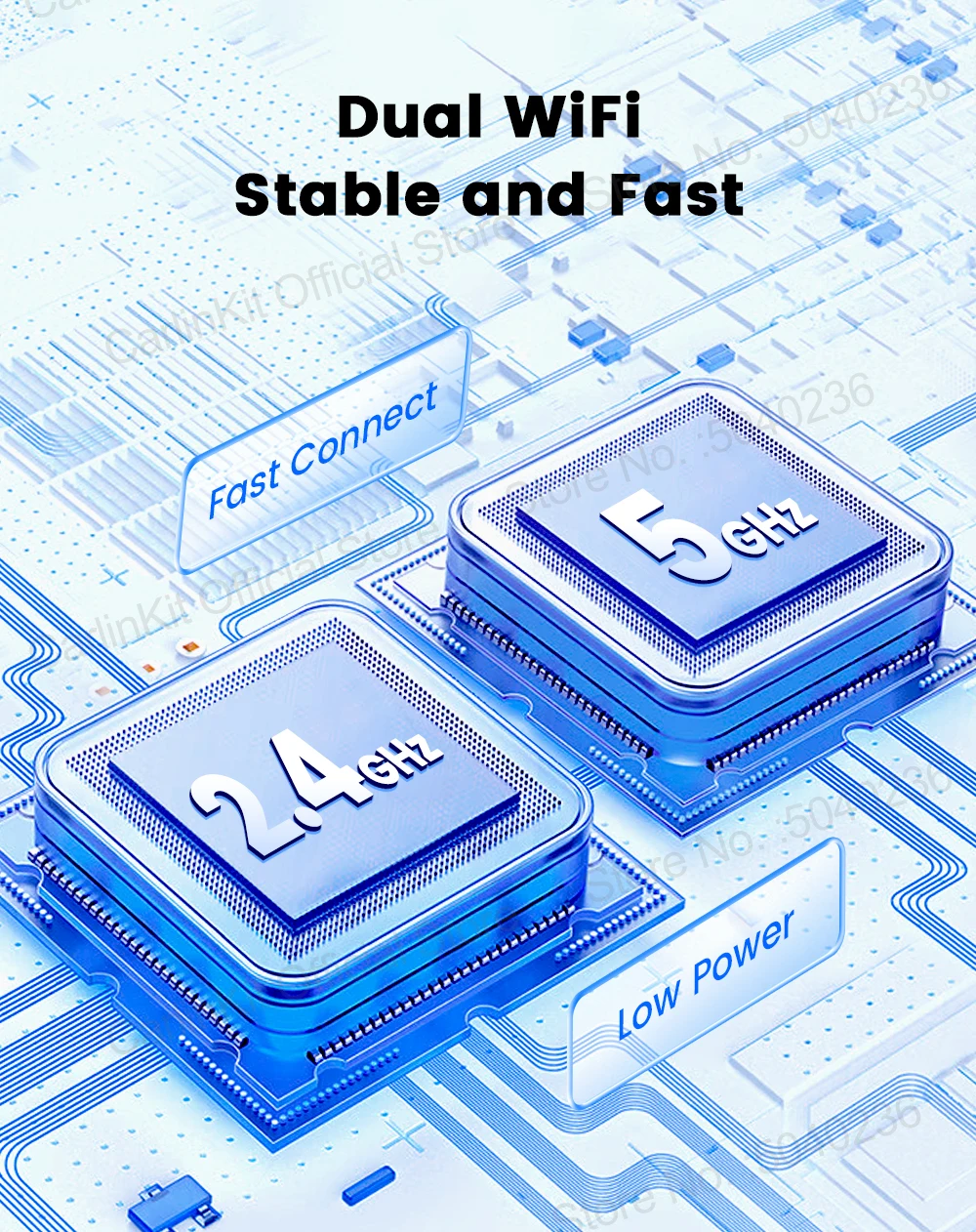
5.8Ghz transmission rate, faster and more stable
Adopt 5.8Ghz wireless module, less susceptible to interference, faster mobile phone connection ,Support dual-band wifi connection, 2.4Ghz and 5.8Ghz wifi all can be used
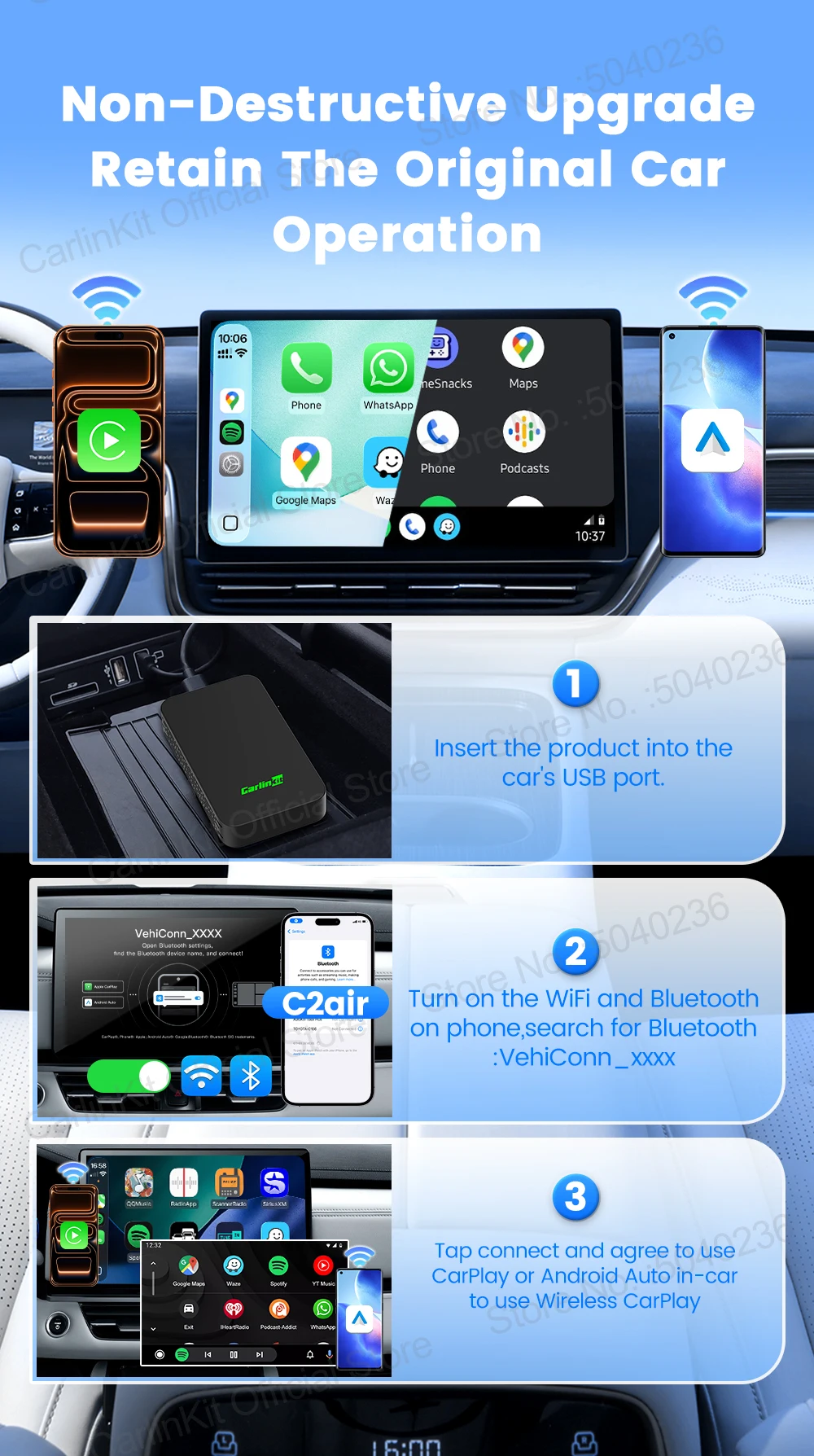
Non-destructive upgrade
Retain all the functions of the original car, no need to change driving habits, travel safer
Only 4 steps to complete the connection
① Insert the adapter into the car's USB-A/USB-C port
②Turn on the WiFi and Bluetooth of the iPhone or Android Phone
③Enter the Bluetooth interface of the iPhone or Android Phone and search for the Bluetooth name VehiConn-XXXX displayed on the car screen
④Tap Connect and agree to use CarPlay/Android Auto in-car to access wireless CarPlay/Android Auto
Anda mungkin juga menyukai
S
do what is necessary! ☝️ 👍
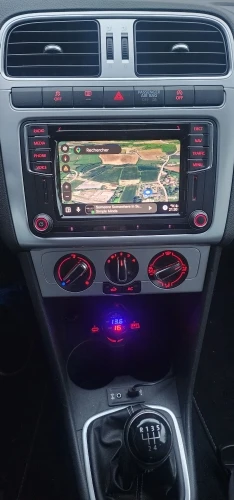
supports multiple laptops in the same car, that's why I chose it!

G
All good 👍 👌

M
Excellent delivery, on time and as promised, highly recommended!

C
So far it seems like a great product, connected quickly, interesting to see what will happen over time.
V
It works a it say there are some small bugs like on my mzada2 when the car is turned on the display is black until i put the car reverse and in drive again if this can be fixed the product is 10 out of 10
M
Very fast delivery, the machine works very well, worth the money.
J
The device works, although it has problems reconnecting to the phone when a different phone was used last time. If my wife was driving the car last time and had her phone connected to this device, then when I get in the car and try to use my phone, it doesn't connect automatically; I have to force it manually.
C
Everything was smooth. it's been 1 day. working so far, will update again later
M
Works flawlessly, happy so far.
E
Excellent product, installed and works perfectly.
J
Impressively functional. Just plug it, white list it on your vpn app if you have one, and boom, you're connected even faster than with a cable. Genuinely happy with it.
N
It just works. It connects quickly and without any problems; my phone detected everything on the first try. It works great.
L
Working perfectly with my byd shark 6
L
IP address 192.168.50.100? ???? This is the IP address for the mini! ?
We are hardly settings that you can change.
Normally, this IP should be: 192.168.50.2!
W
Works great. Passat B8 Discover Media 6.5 inch and Xiaomi 14 connect very reliably.