1080P WiFi Dual Dash Cam – Front + Interior
Dash Cam / With 32G SD Card
$69.95
Langsung ke informasi produk


Had To Buy It.
$69.95
🚚 Free Worldwide Shipping📦 Tracked Delivery🔒 Secure Payments
1080P WiFi Dual Dash Cam – Front + Interior
See the Road. See the Cabin. Capture More.
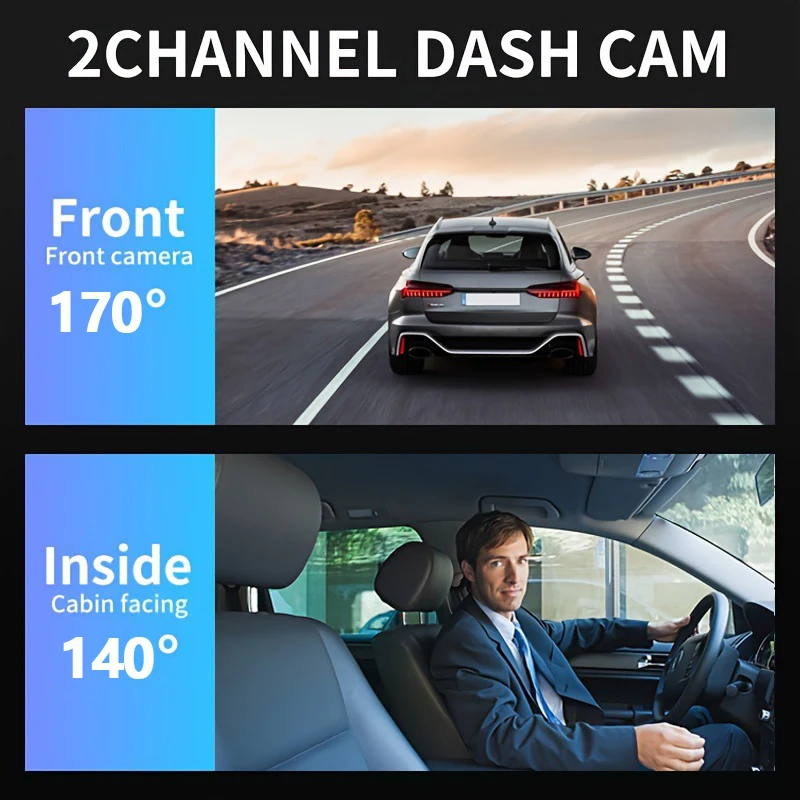
Capture both the road ahead and inside your vehicle with this compact dual-lens dash cam. Ideal for everyday drivers, rideshare, taxis and delivery vehicles.
Why You'll Love It
- Dual cameras – Front + Interior
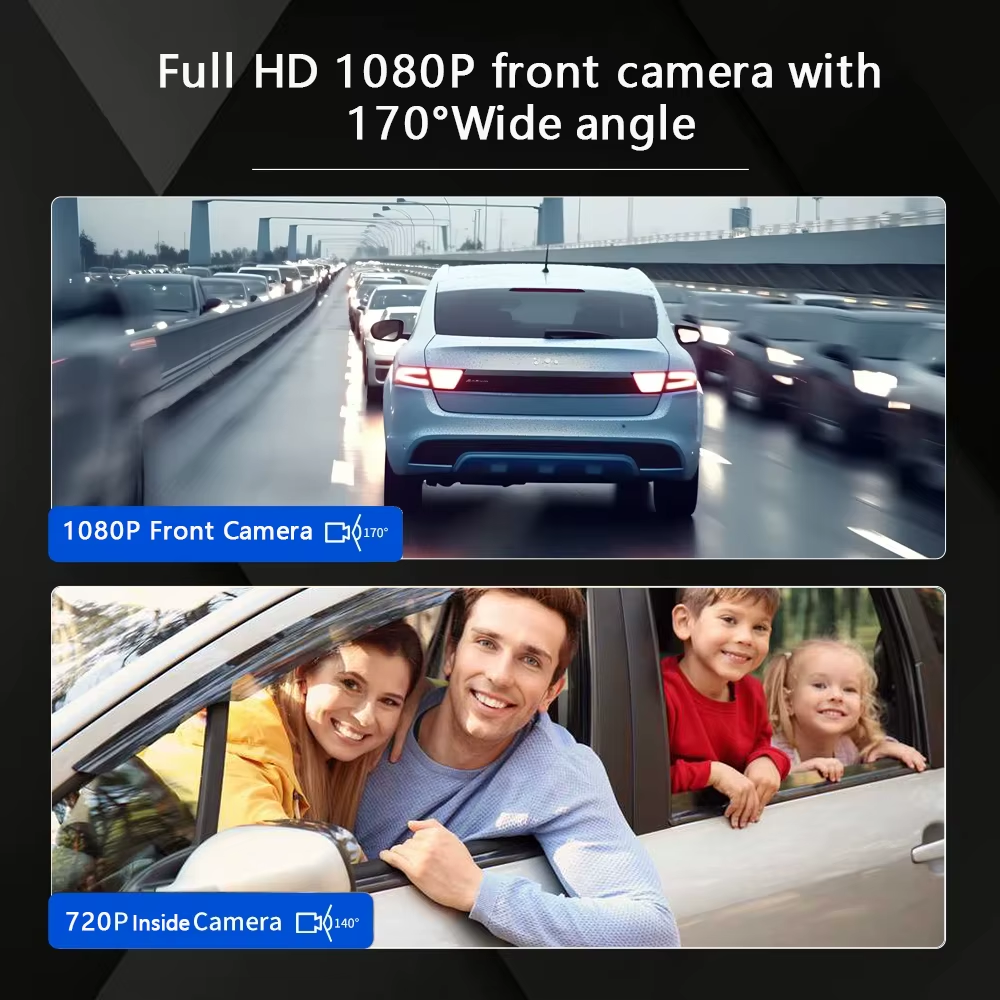
- 1080P Full HD recording
- 170° wide-angle coverage
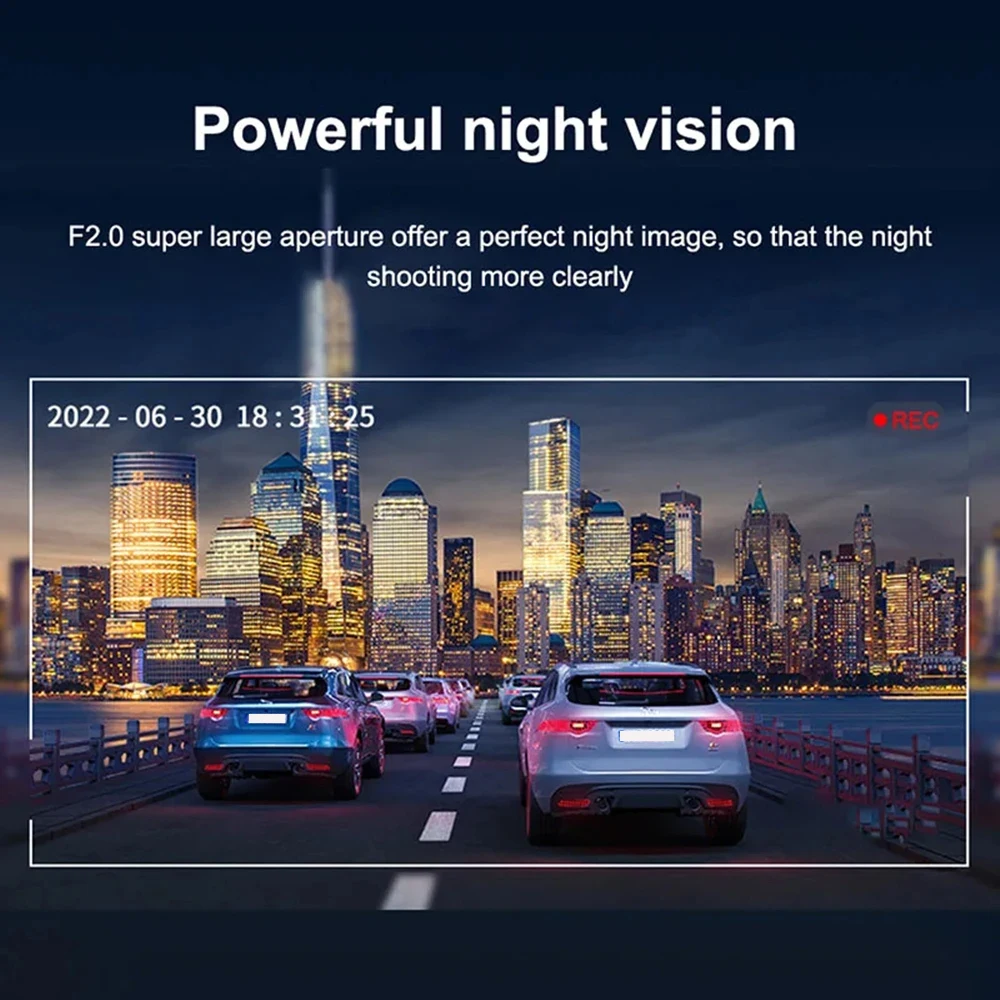
- Night vision with F2.0 aperture
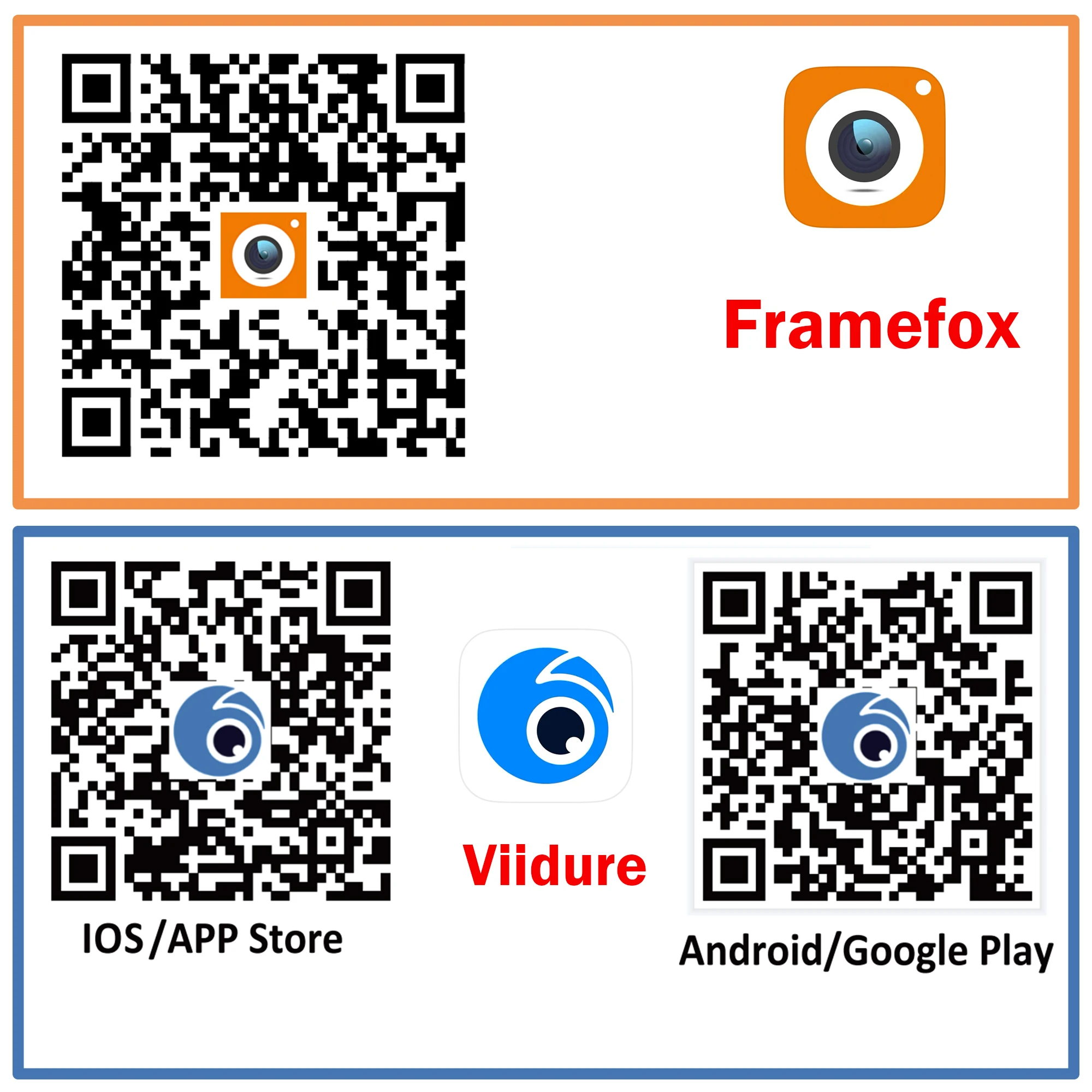
- Built-in WiFi + Framefox App
- View, download and share footage from your phone
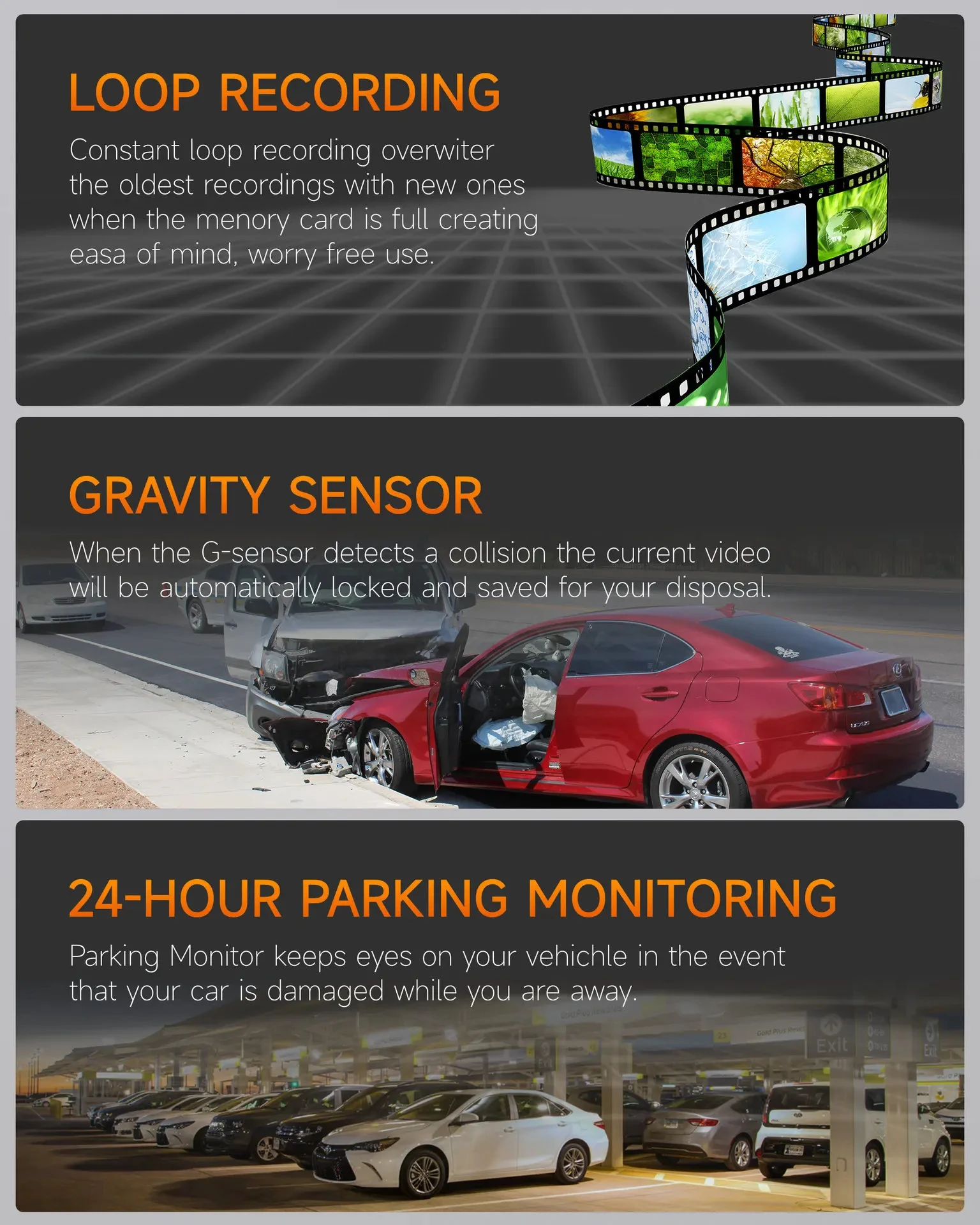
- Automatic loop recording
- G-Sensor impact protection
- Motion detection
- Built-in IPS display
- Audio recording
- Supports Class 10 Micro SD/TF cards
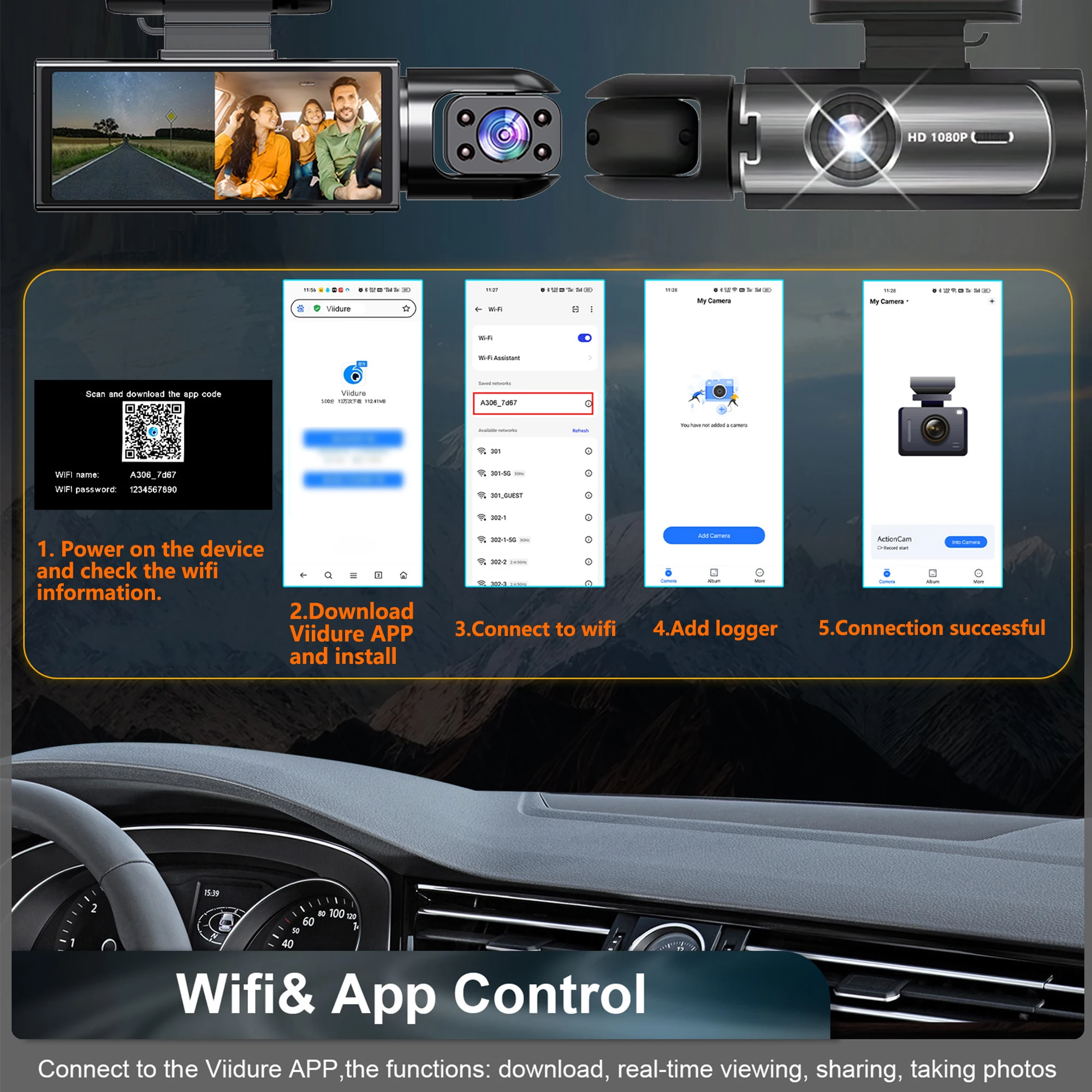
WiFi App Control
Connect your iOS or Android phone directly to the dash cam via WiFi to view live footage, playback recordings, download videos and adjust compatible settings.
Note: The WiFi connection is for communication with the dash cam and does not provide internet access.
Night Vision + Wide-Angle View
The 170° lens, F2.0 aperture and 3D noise reduction help capture a broader view with improved low-light performance.
Loop Recording + G-Sensor
Loop recording automatically replaces older unlocked footage when storage is full. If a significant impact is detected, the G-Sensor can protect important footage from normal overwriting.
Key Specifications
Brand: GMAIPOP
Cameras: 2 – Front + Interior
Resolution: 1920 × 1080P
Frame Rate: Up to 30FPS
Viewing Angle: 170°
WiFi: Yes
App: Framefox
Night Vision: Yes
Display: IPS
Audio Recording: Yes
GPS: No
Storage: Micro SD/TF
Recommended Card: Class 10
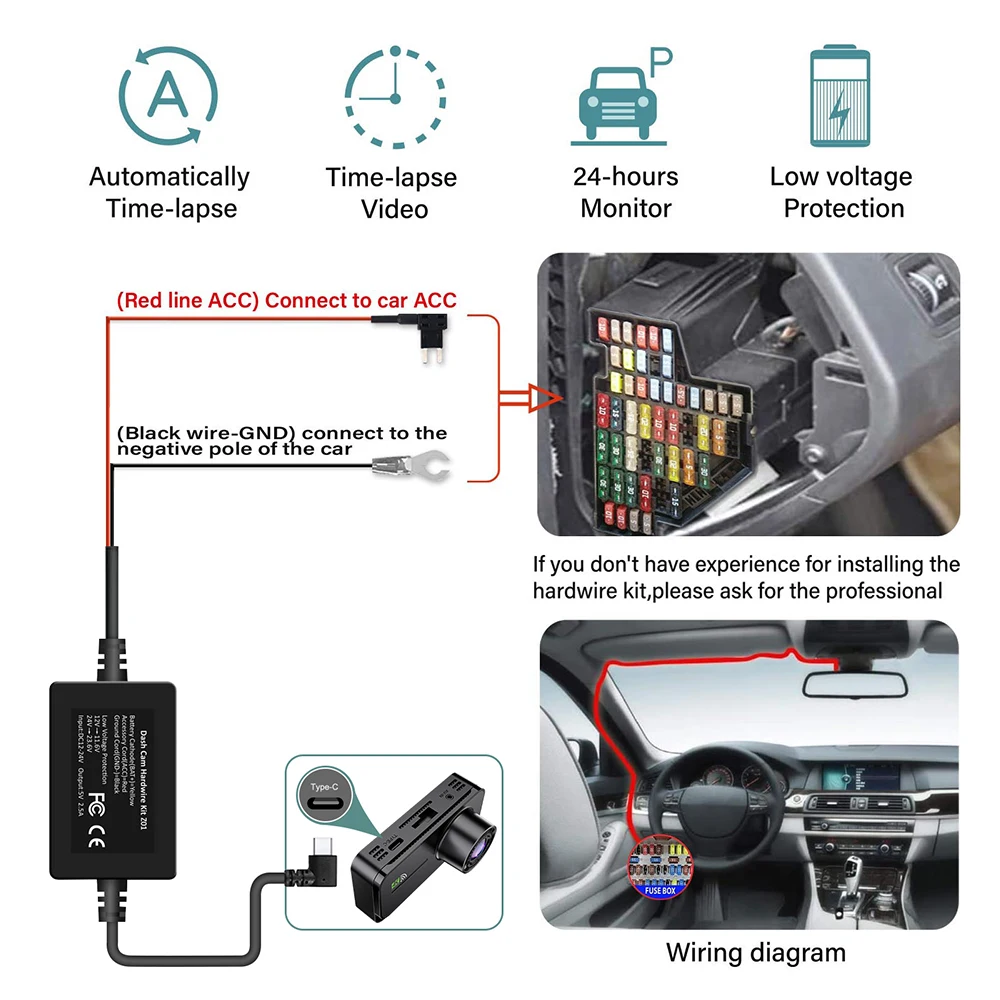
Power: Corded vehicle power
Important: This model records the front road and vehicle interior. It does not include an external rear camera.
Shipping
FREE Worldwide Shipping with tracked delivery.
Please allow approximately 7–15 business days for processing and delivery.
Two Cameras. More of the Story.
🛒 Had To Buy It!

• Built-in WiFi
Download the APP from Android and iOS systems, connect your phone with dash cam via WiFi, then you can view the recordings in real-time, also can download, playback and share the recordings via your phone.
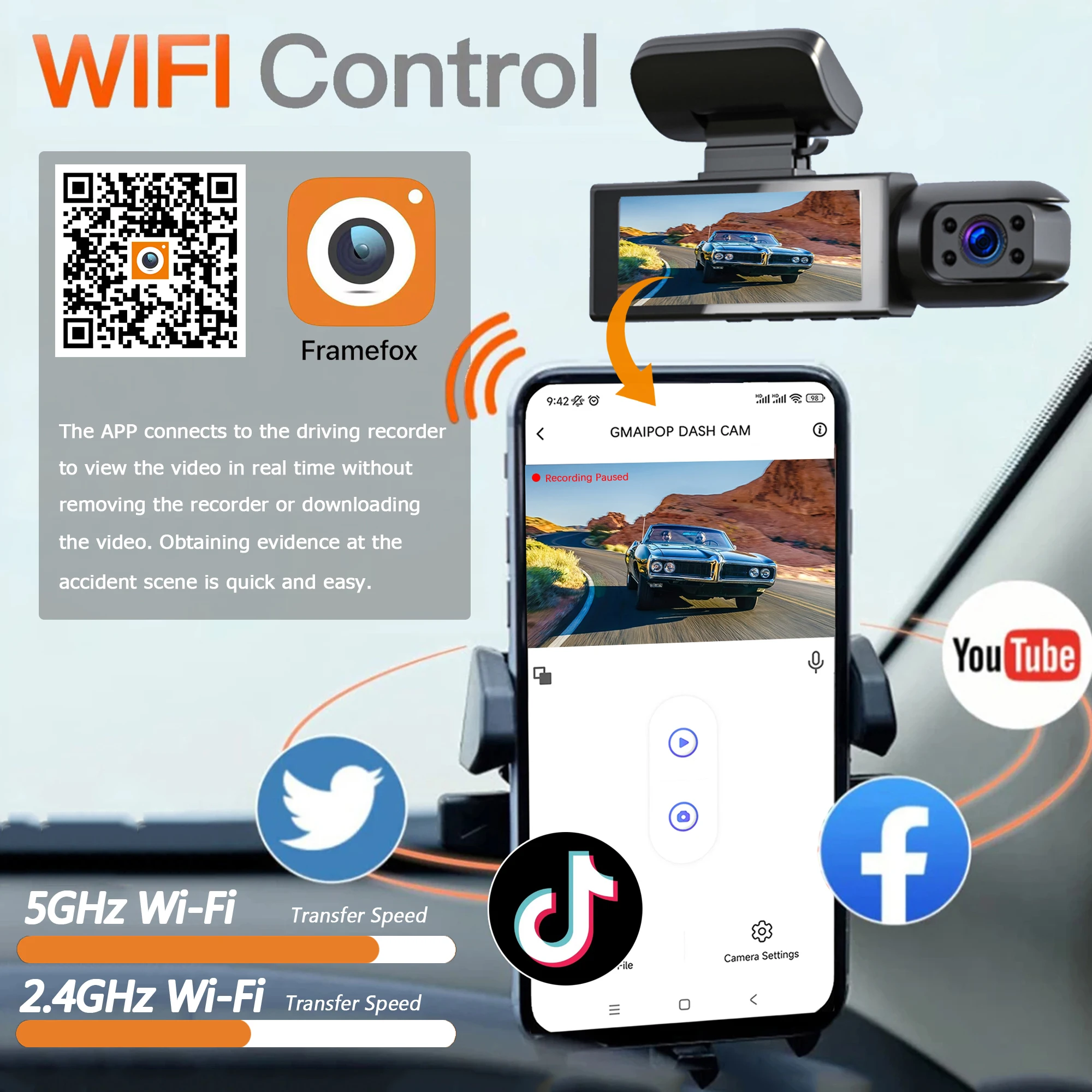
• How to link WIFI
You need to press and hold the M menu button for 2-4 seconds, then it will display the settings menu, find the "WiFi and APP" setting and turn it on, the APP download QR code is also in the menu bar. According to the information displayed on the device, connect the device's WiFi, and finally you can connect the phone and watch the video in the mobile phone APP.

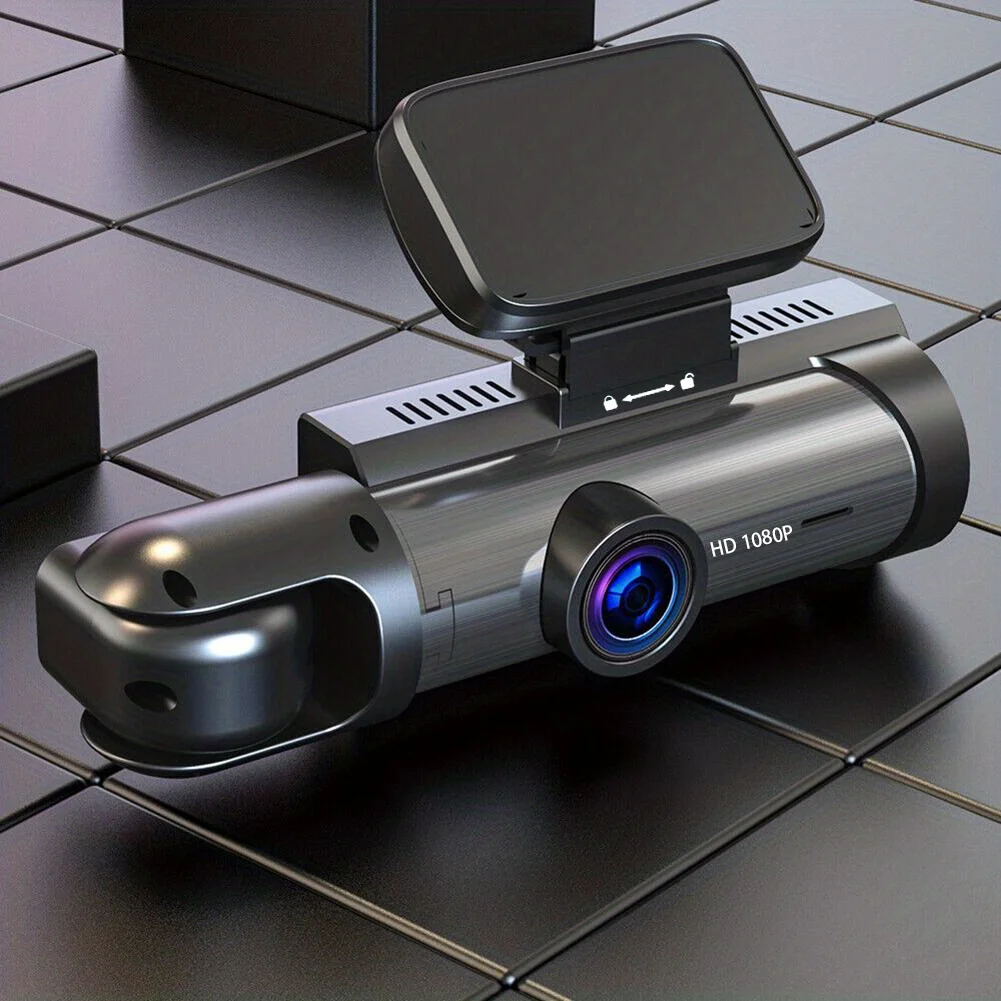
• High-definition recording at 1080P
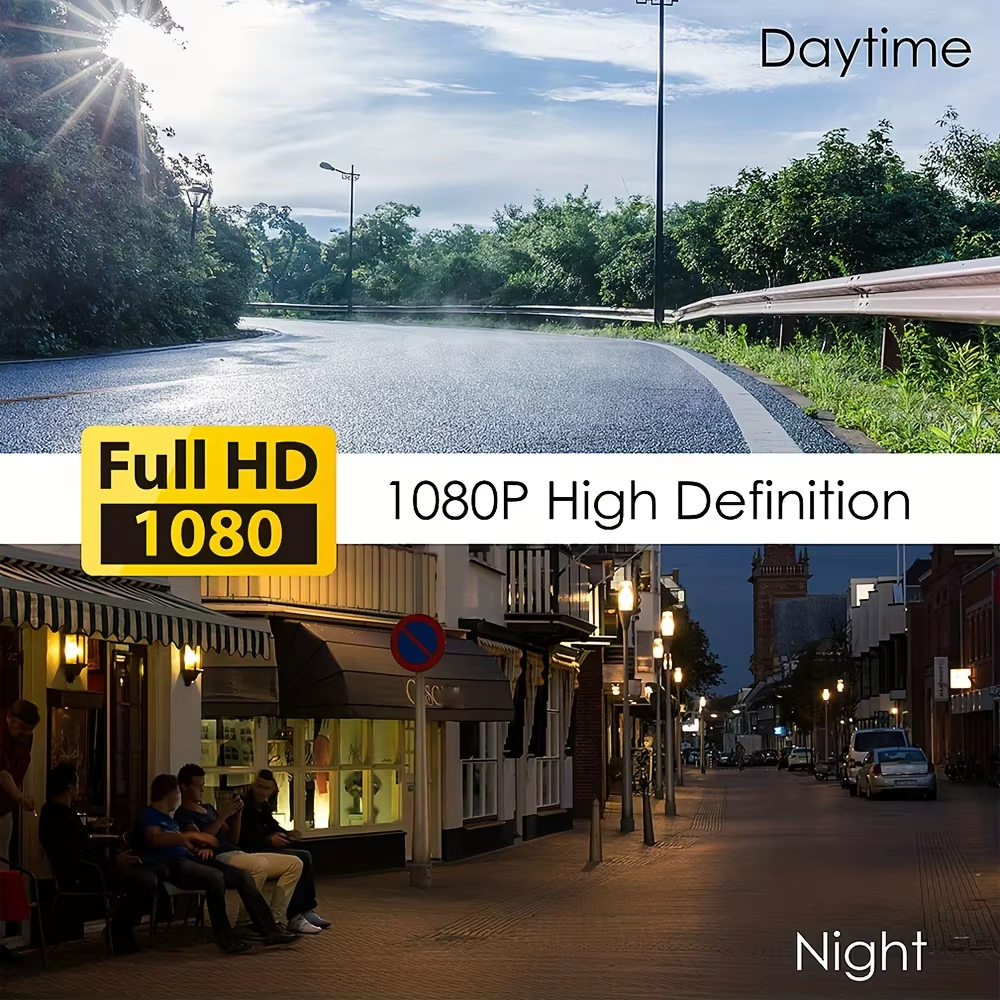
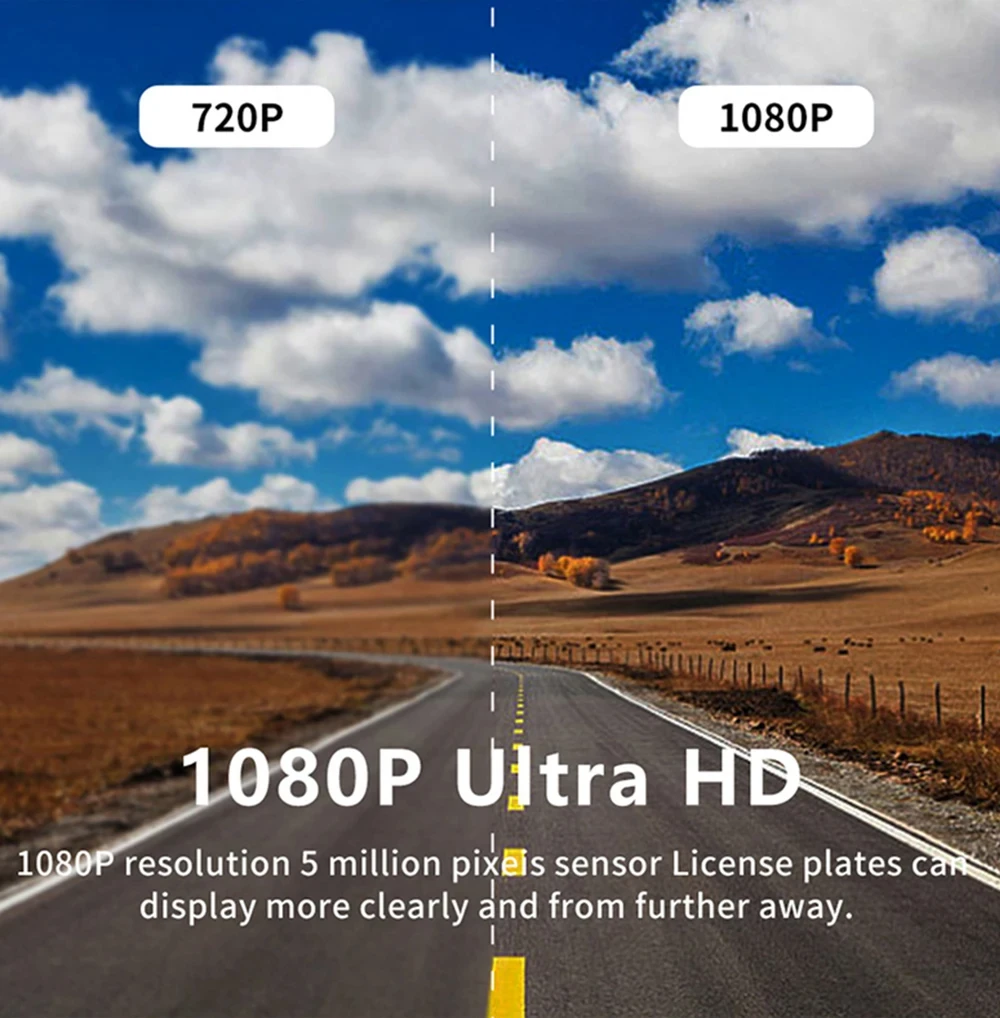
The Car DVR records in high-definition at 1080P, capturing clear and detailed footage of your driving experience.
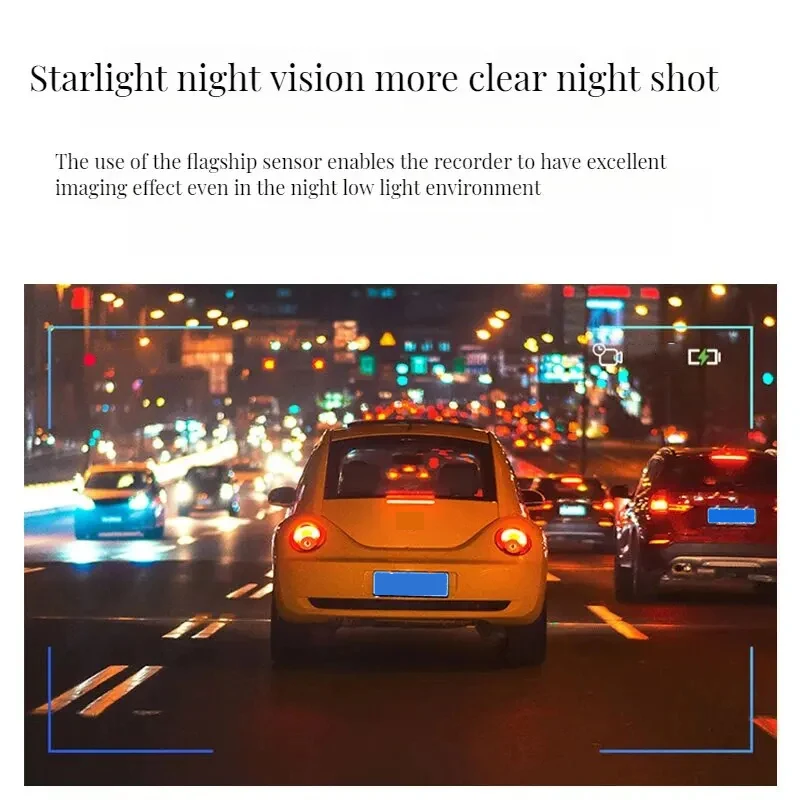
• Night vision recording
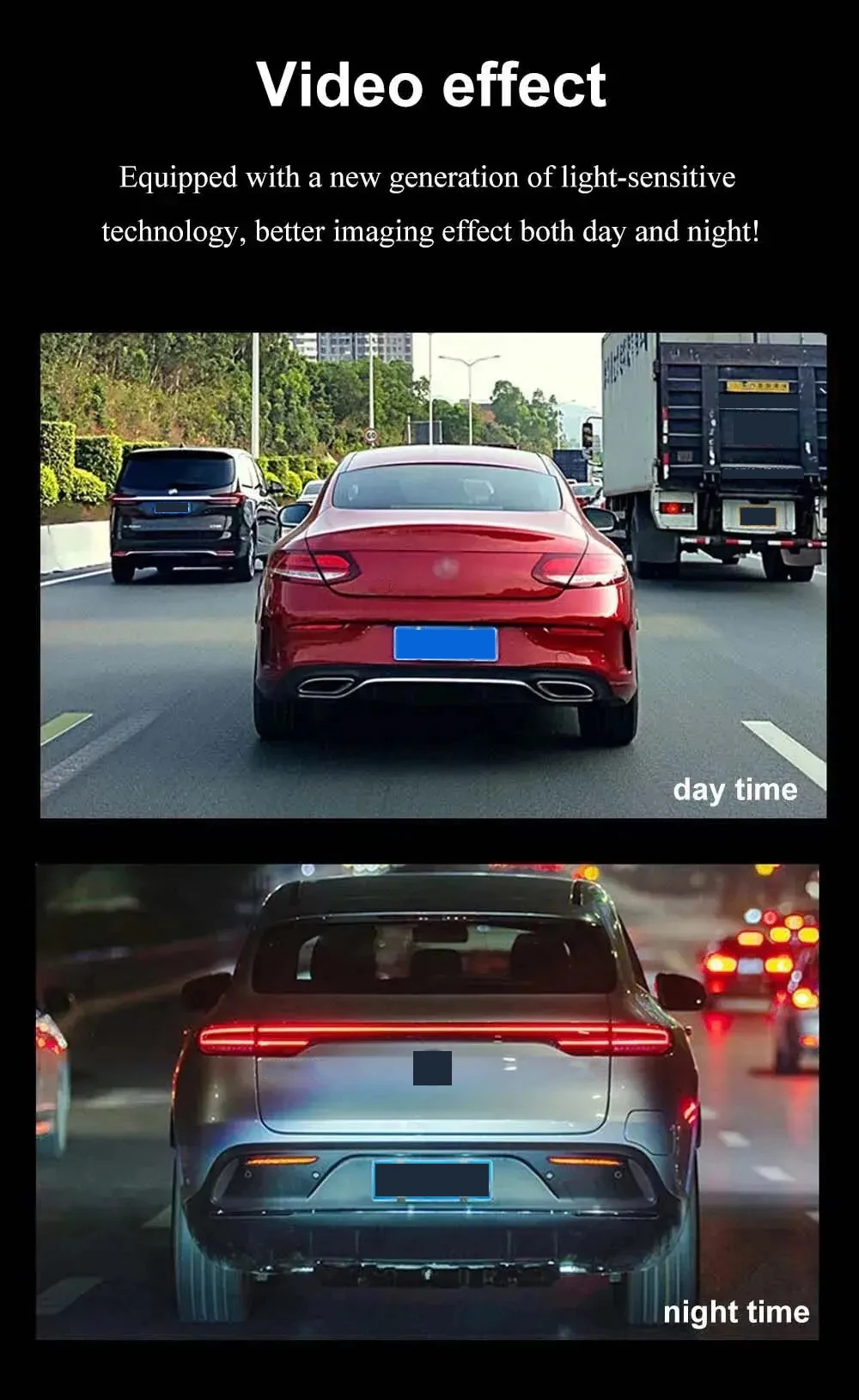
The Car DVR has night vision recording capabilities, allowing you to capture clear footage even in low-light conditions.

• Wide-angle lens captures more of the road ahead
The Car DVR's wide-angle lens captures more of the road ahead, providing a broader view of the road and increasing safety while driving.
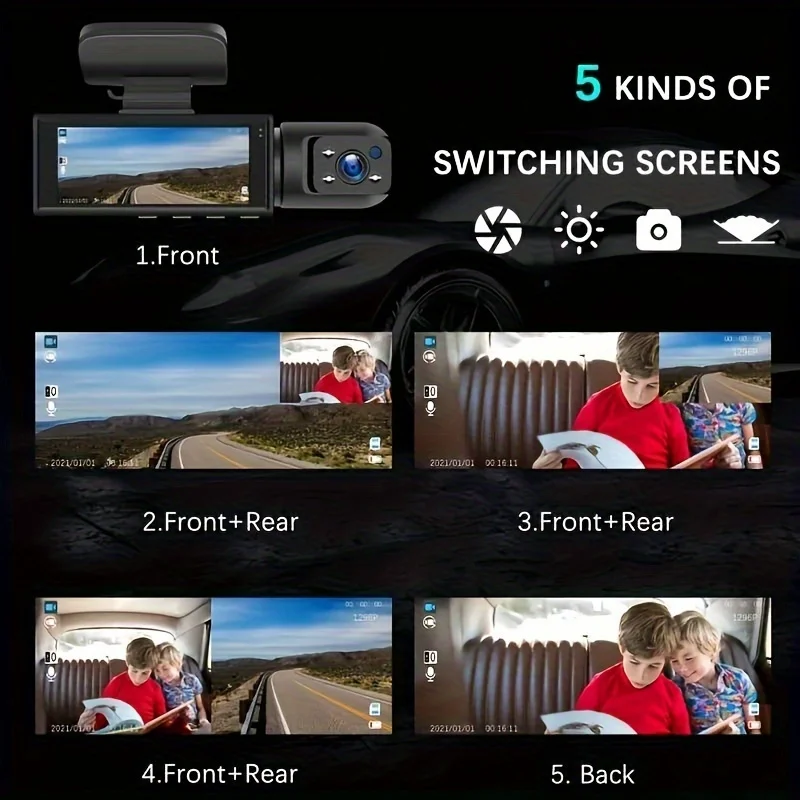


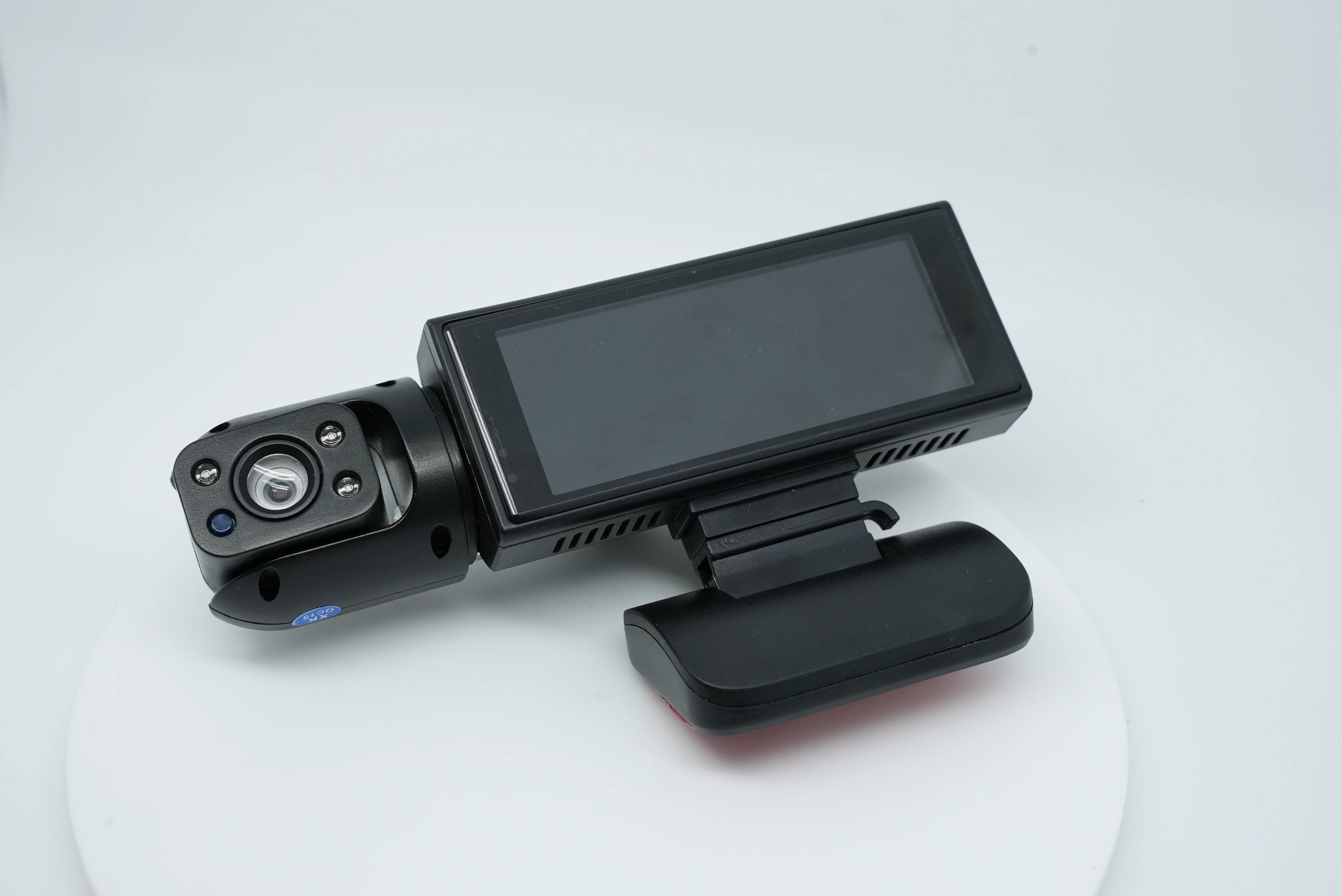
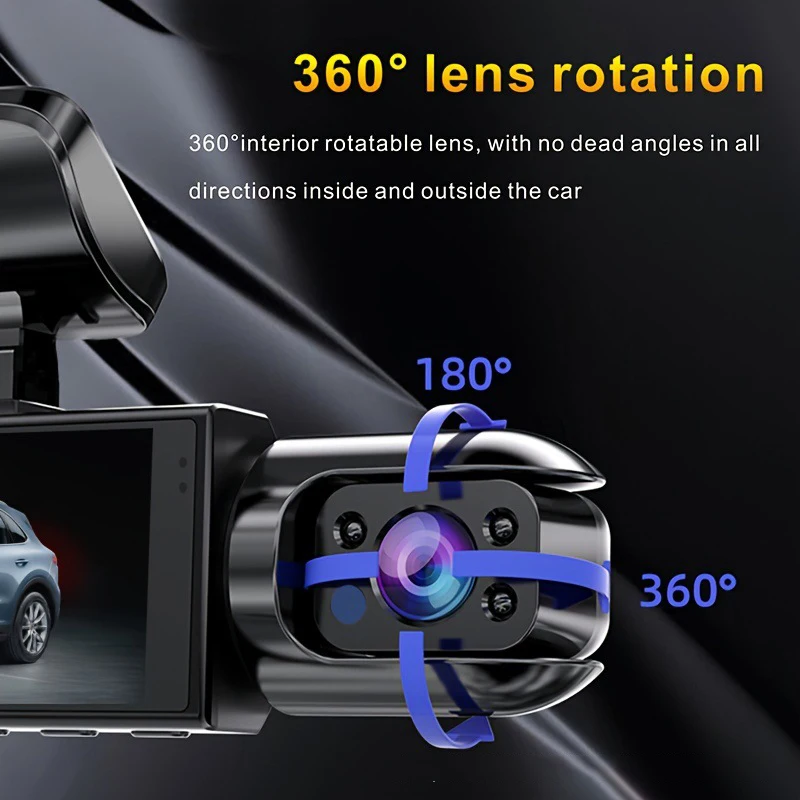
• Dual lens design for front and inside video
The Car DVR has a dual lens design, capturing both the front and inside of the car for a comprehensive video record of your driving experience.